
- How to benefit from AI as a structural engineers without prior coding experience
- Live example: create a dashboard for standardizing sizes across connections
- Live example: automate design optimization with IDEA StatiCa API
- A look ahead, potential future use cases for AI in structural engineering
WebinarSteelConnection designIDEA Open Model (API)Connection
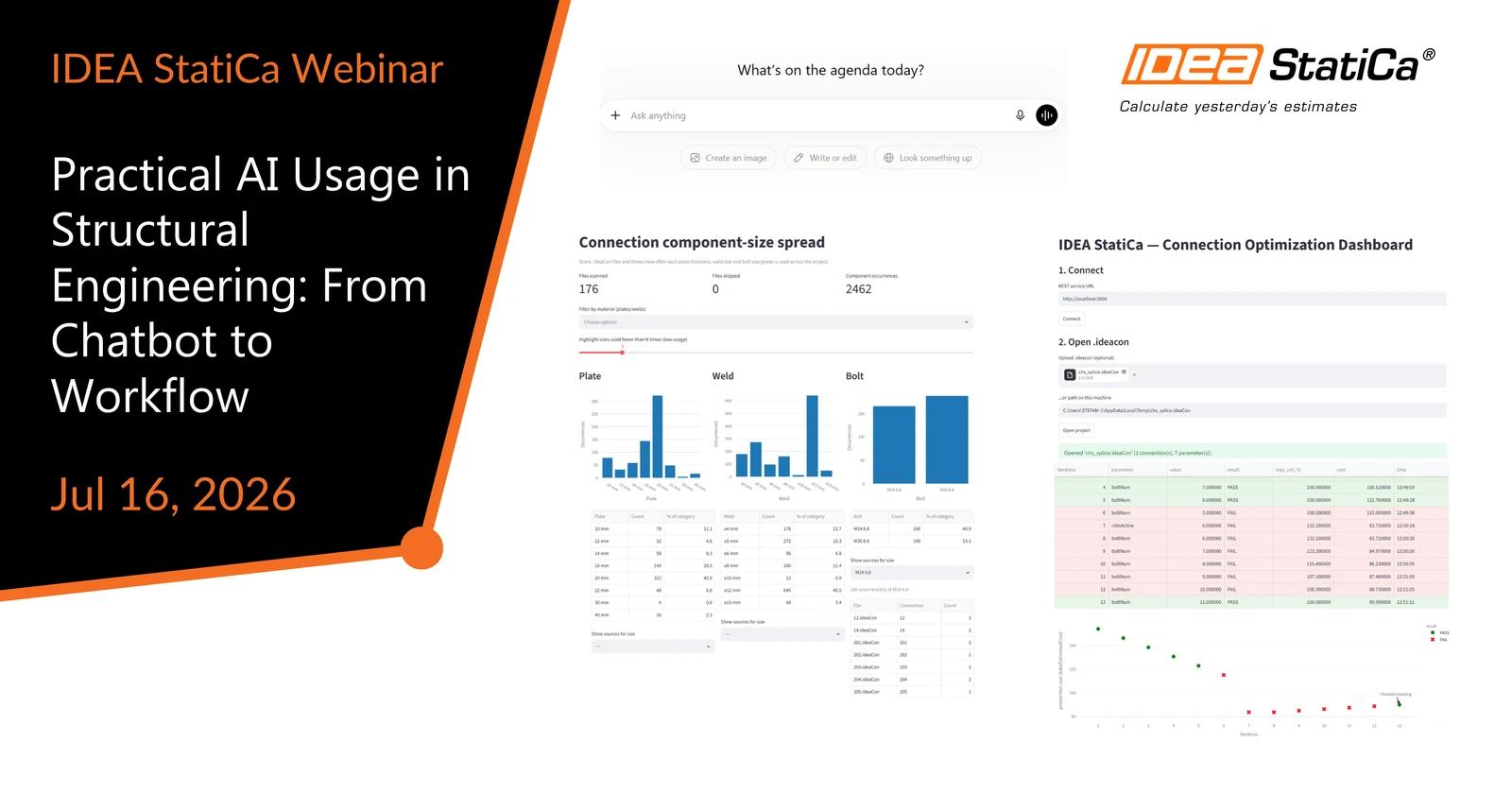
Practical AI Usage in Structural Engineering: From Chatbot to Workflow
Streamed on
(in your local time, 24-hour format)
Every structural engineer has an ideal workflow in mind, one they believe would be more efficient than what they currently use. With AI, that workflow is now easier to build than most engineers realize. AI shows up in your feed every day, and most structural engineers have already tried ChatGPT or Claude out of curiosity. But turning that into a workflow for your daily work is a different question. This webinar tries to answer that question by showing practical examples for structural engineers.
Watch the webinar and learn about

Do you have an "ideal" workflow in mind like most structural engineers? Join the webinar to see a practical examples of how engineers, with the help of AI, build tools to solve two recurring problems in their practice: size standardization and design optimization. See how, even without a coding background, structural engineers can build a working application end to end that connects to IDEA StatiCa via API (Application Programming Interface). If you have never heard about APIs, no worries, we will explain what they are during the webinar. We will also look at the future potential of AI in structural engineering.
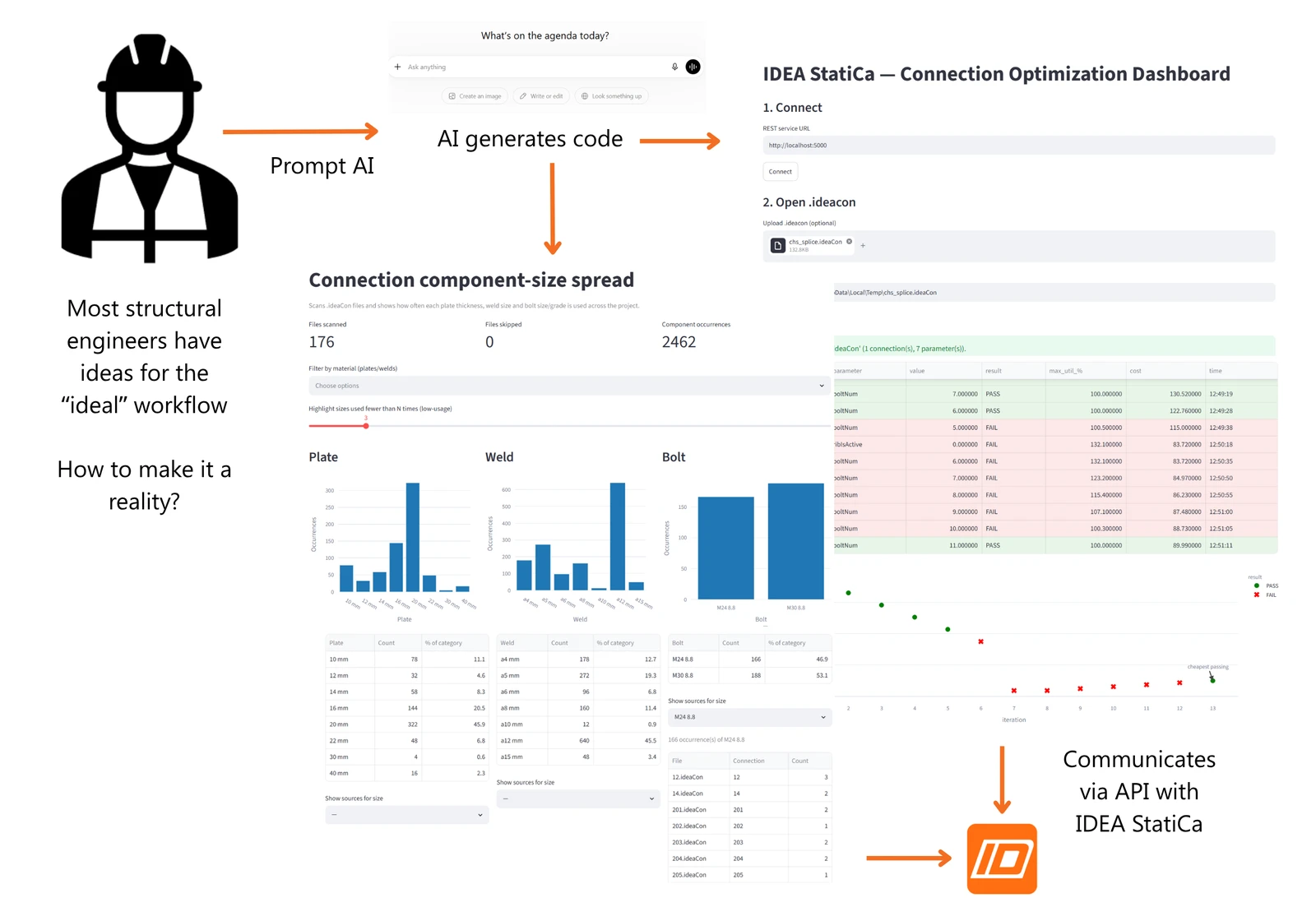
The webinar will show how, with AI assistance, you can build a solution tailored to your "ideal" workflow on top of the IDEA StatiCa API:
- Standardization of sizes - consolidating sizes across a nodes
- Design optimization - automating connection design iteration
- Future use cases of AI in structural engineering - as inspiration for your next workflow
If you want to see more of IDEA StatiCa in action, you can watch other recorded webinars and browse our Support Center for tutorials.
If you would like to follow along, please install Python on your machine beforehand.