
Unified GUI for CAD and FEA
The user interface of the IDEA StatiCa application is the key to smooth everyday workflow. From now on, the user interface of the Code-check manager is unified for CAD and FEA applications, and it can be used to export, manage, recalculate, or synchronize all connection items or member items.
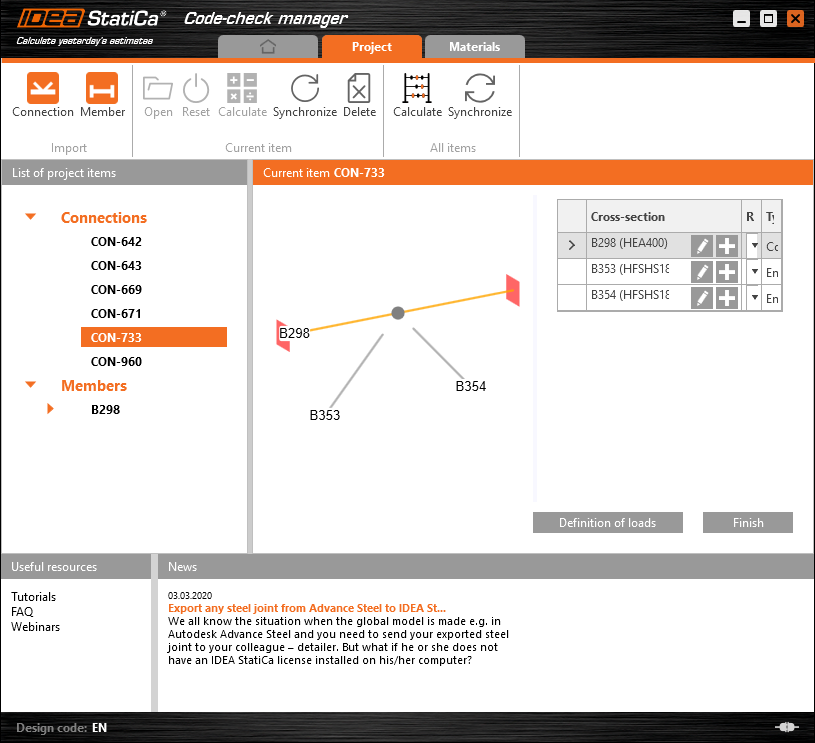
Unified BIM links for CAD software
All CAD links in IDEA StatiCa are powered with the same technology now, and that allows us to improve the functionality in one push for all CAD applications. A brand-new way of unsymmetrical cross-section beams imports such as L-shapes, U-shapes, etc. was implemented to IDEA StatiCa 20. Now the positioning of the cross-section is imported exactly how it is defined in the CAD application without further changes.
Multiple selection and export from FEA
Import from FEA applications is now easier than ever – you can select multiple nodes, and Code-check manager will import all of them as unique connections.
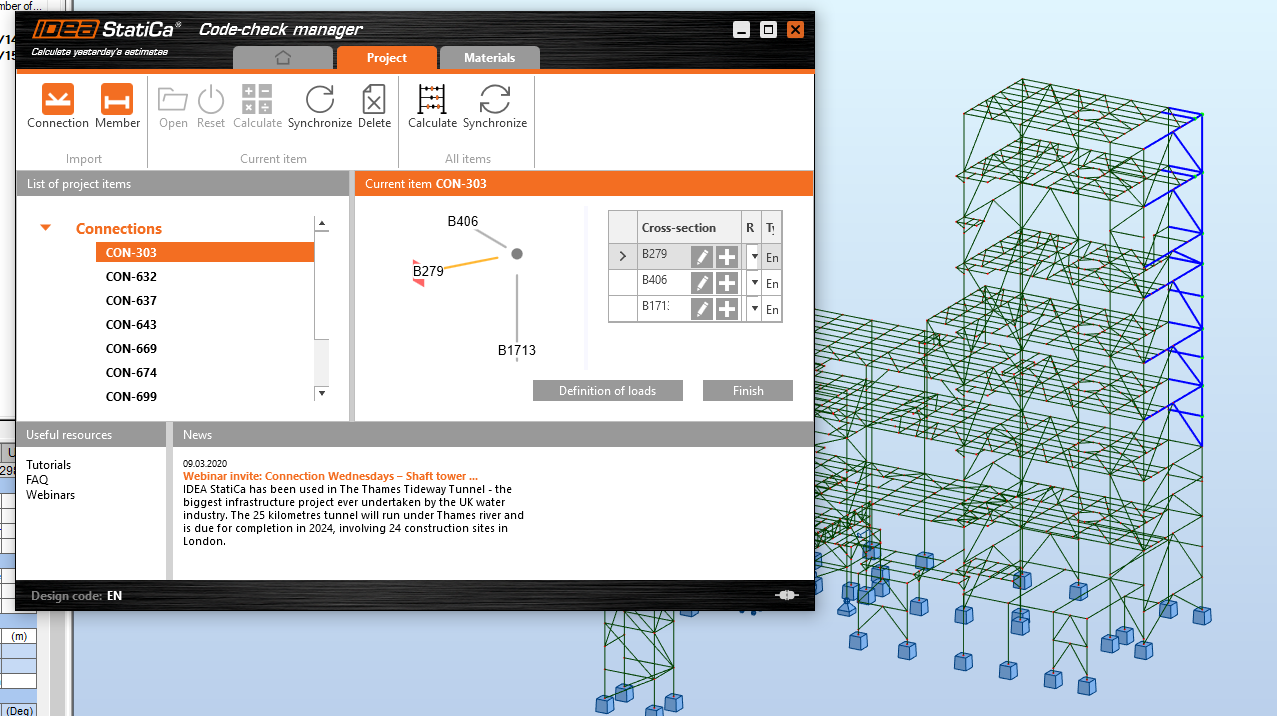
This feature is available for the Expert and Enhanced version of the IDEA StatiCa Steel product.
Calculation and Synchronization of all listed items are available only in the Enhanced version of IDEA StatiCa Steel.
RFEM and RSTAB BIM link improvements
In the previous versions, export from FEA application RFEM-RSTAB was a three-step process, where a node and then members had to be chosen. From version 20, you can perform the export with the single mandatory step, which is the selection of the desired members and node.
This feature is available for the Expert and Enhanced version of IDEA StatiCa Steel.
More about IDEA StatiCa version 20
Would you like to see more of the new features? Read full release notes for Steel or even better – watch the recording of version 20 introduction webinar: