


General recommendations
- Please note that in IDEA StatiCa Connection are members of the only beam entities on which loads will be applied. All other beams are defined in a different way. This rule is the first one of the three-step import procedure. In the second step, the members (on which loads will be applied) have to be selected. In the third step, all other connected entities have to be selected – plates, bolts, welds, and most importantly beams on which loads will not be applied (usually stubs, stiffening members, etc).
- The best way how to design your connection is to use the previously defined macros from the Advance Steel Connection vault menu.
- The definition of the node is the most important step during the import procedure. The best way how to design the steel construction well prepared to import workflow is to keep the focus on the centerlines of the beams. Always maintain the intersection of beam centerlines which will help you to choose the node easier.
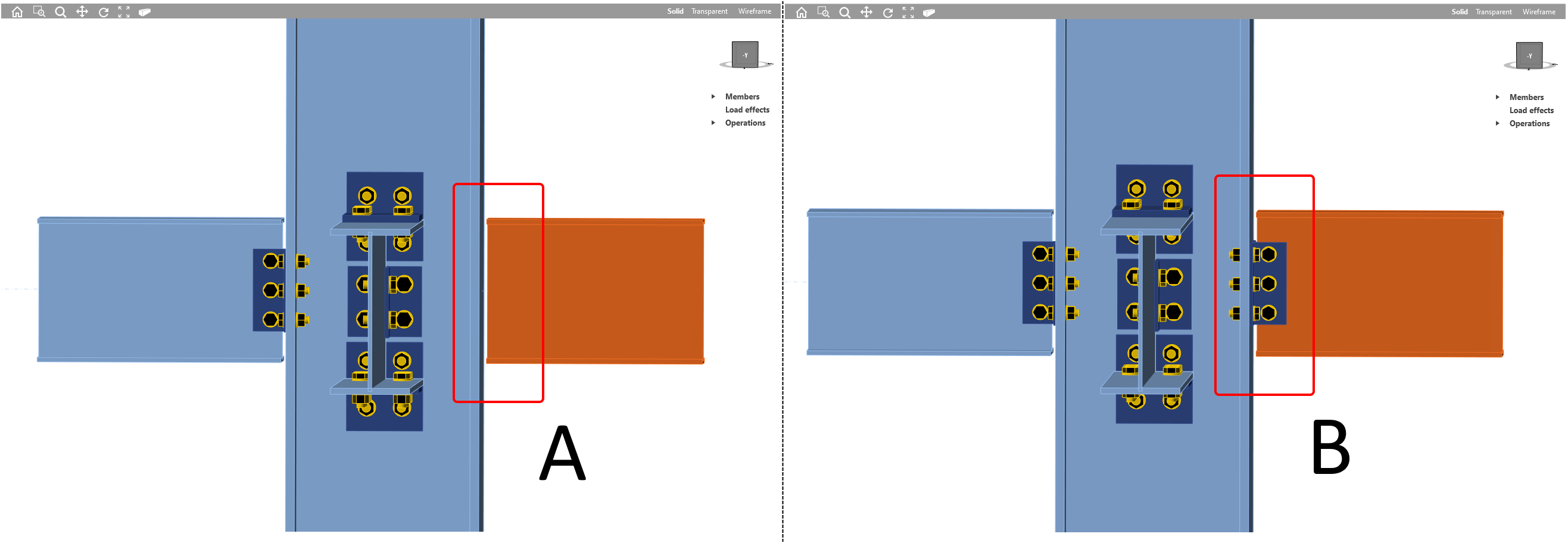
- Synchronization - data update is a complex process. Sometimes loss of the data can occur and you can encounter situations like in the picture below (example A), when a change in the beam cross-section was processed and manufacturing operations data were lost. Don't panic, we know how to deal with it. Just close the IDEA StatiCa Connection window and Code-check manager window also. Then launch Code-check manager again and perform Synchronization process again. After that, the data will be restored and all manufacturing operations will be present and valid (example B).
Holes-openings and notches
Negative volume cutting
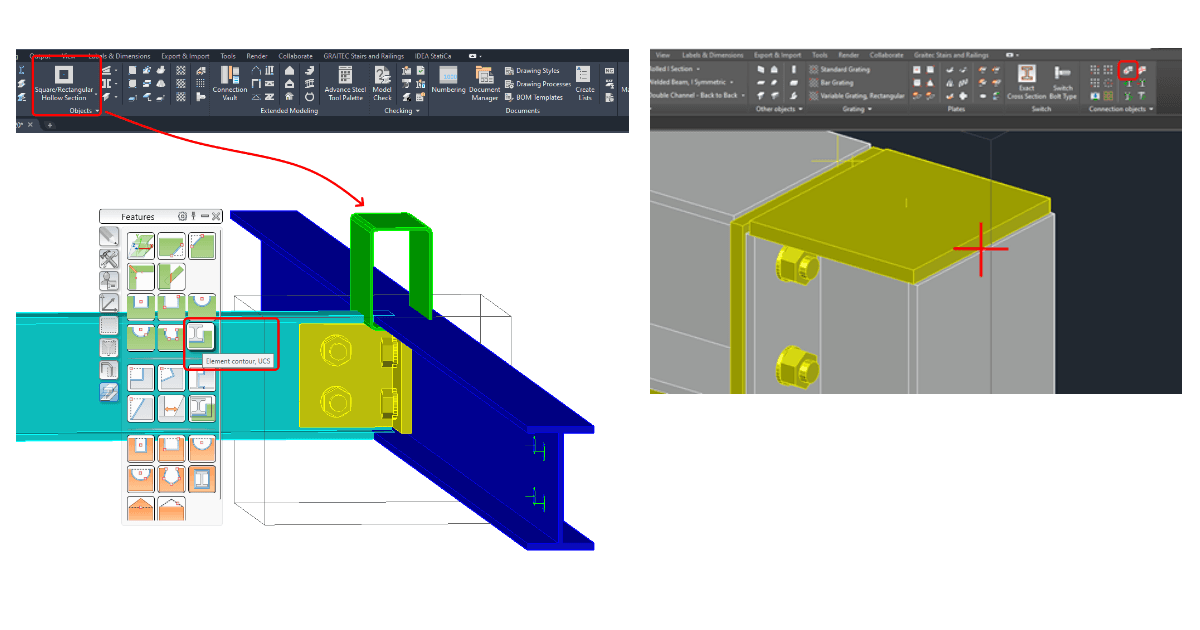
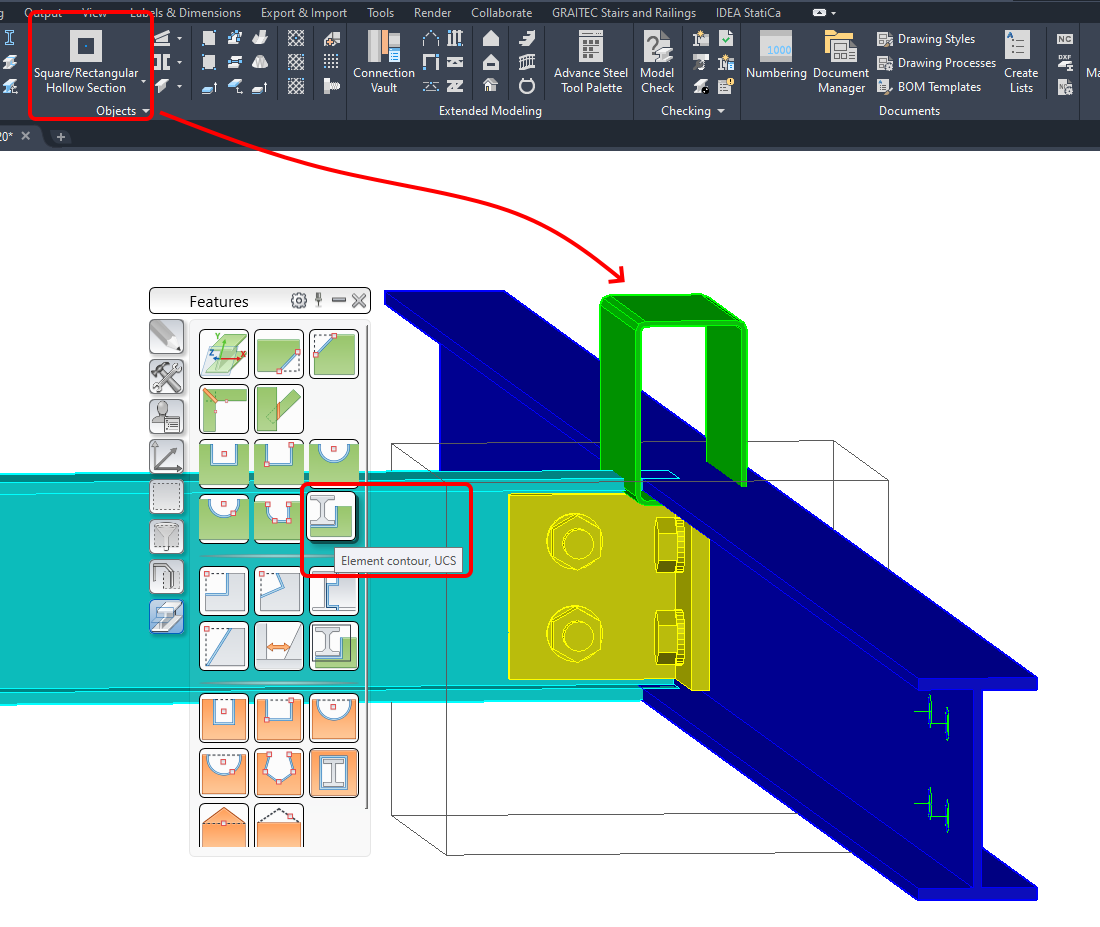
Cut of the member according to another member is the easiest way how to deal with openings or notches. The easiest thing in Advance Steel is to define a new member, the green HSS roled section in the example below. The green beam is positioned in a way that it will penetrate the top flange of the azure perpendicular beam. By command Element contour, UCS from Advance Steel tool palette, the cut is defined.
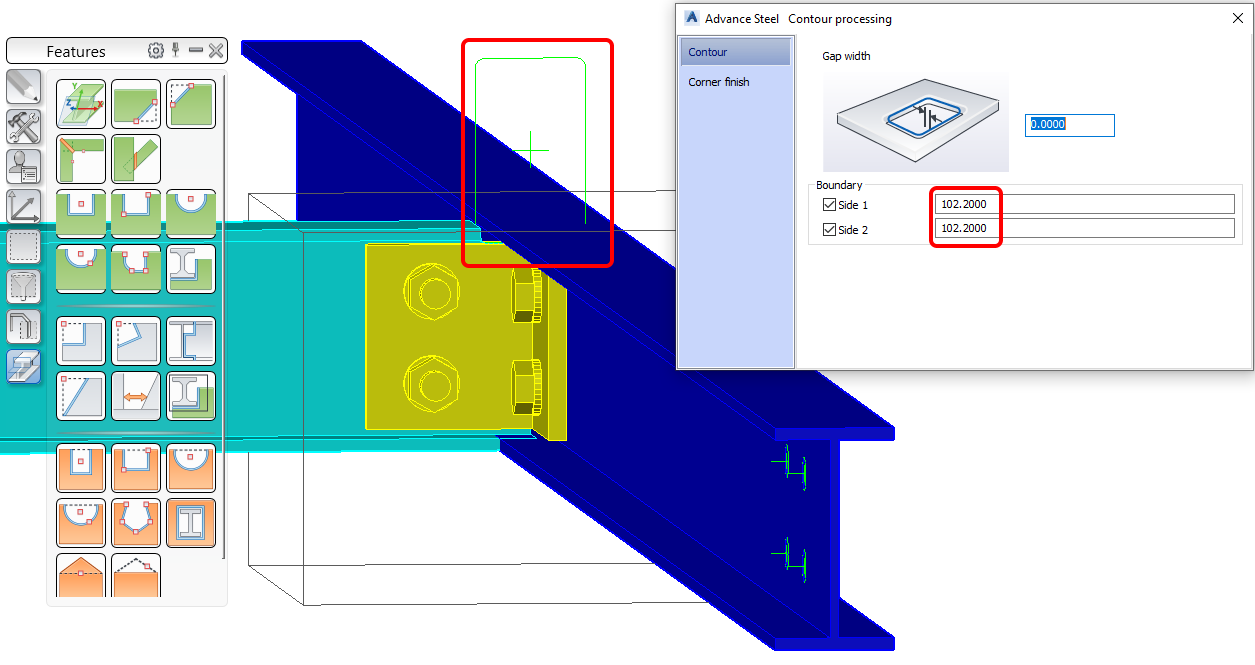
The cut by contour processing is defined and IDEA Connection is able to import it. The cut by contour processing is now part of the beam data and it will be imported even if you will not select it in the third step of the import selection process.
The green HSS rolled section beam which was used for the cut is not needed anymore and can be hidden or deleted.
Other methods
- Opening in the members and in the plates are not supported. A workaround is to import the whole joint and manually add Opening as a manufacturing operation in the IDEA StatiCa Connection.
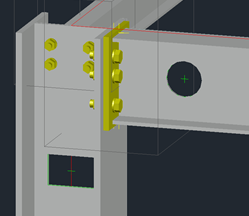
- Notches of the members are supported but please note that the command Element contour – rule has to be used.
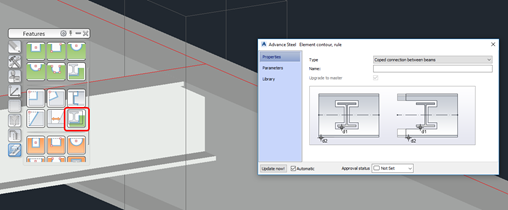
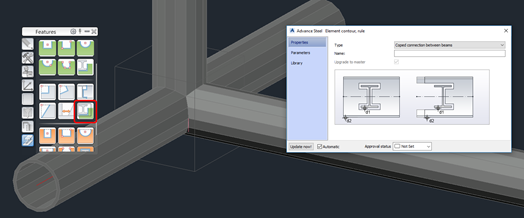
Extending-shortening of the beam
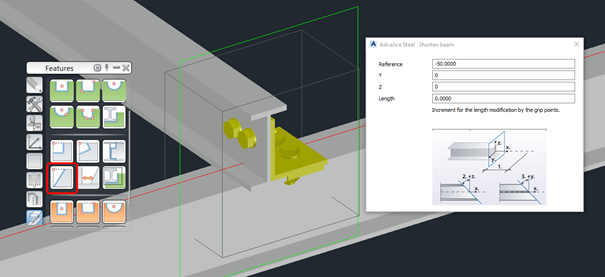
In the IDEA StatiCa the centre of the connection is the node. From the node, the length of the member is determined by the bounding box (an automated way of how to determine the right length of the member). In the Advance Steel, the beam entity has to be shortened or extended by a command Shorten.
Welds
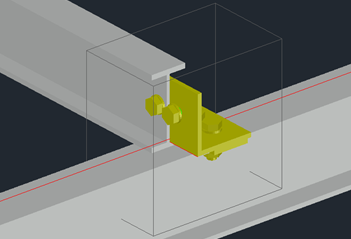
Welds are imported during the third step of the import procedure. If there is a need to add welds manually in Advance Steel the recommended way is to use command Weld point. Please note that the weld entity has to be inserted in the middle edge of the welded plate.
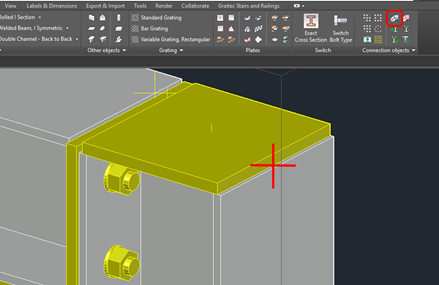
From a huge variety of weld types in Advance Steel, IDEA StatiCa supports only:
| IDEA StatiCa weld | Advance Steel weld |
| Butt | Flange Butt, DI, V with Counter, X, K, DY, K web, U, HU |
| Double Fillet | Bevel – Fillet, Fillet – Bevel, HY – Fillet, Fillet – HY, J- Fillet |
| Fillet | Every other than specified above |
Haunches
We recommend designing haunches on a beam by plates and not by members.
