


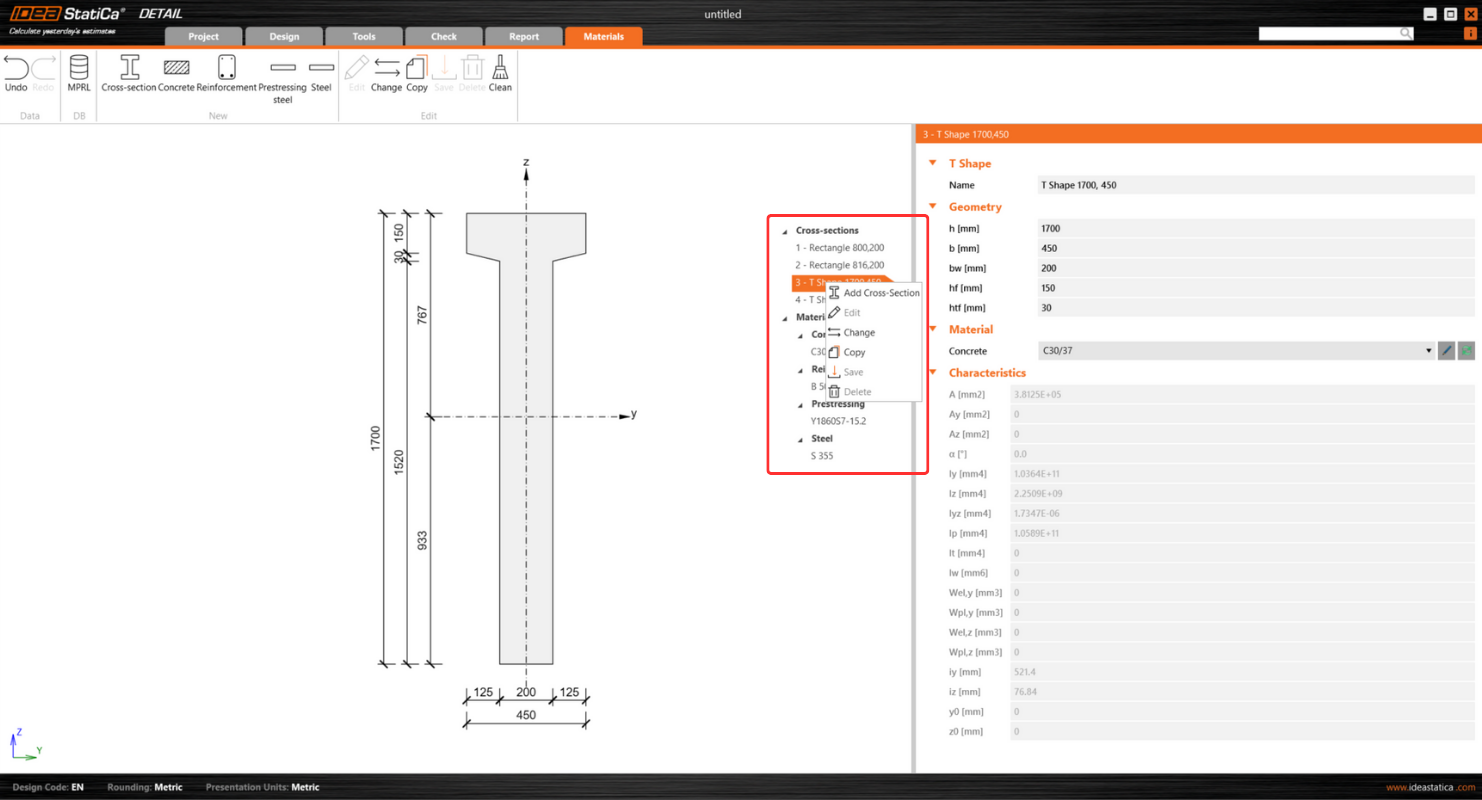
The tab's user interface, which is unified with the rest of the application, presents a cohesive and streamlined design. The layout features the scene on the left side and the property grid on the right, which is aligned with the organization found in other application sections.
Key features include an intuitive exploration experience through:
- The tree of entities, where users can utilize the context.
- The menu by right-clicking an item.
- The option to wrap and unwrap individual sections for detailed examination.
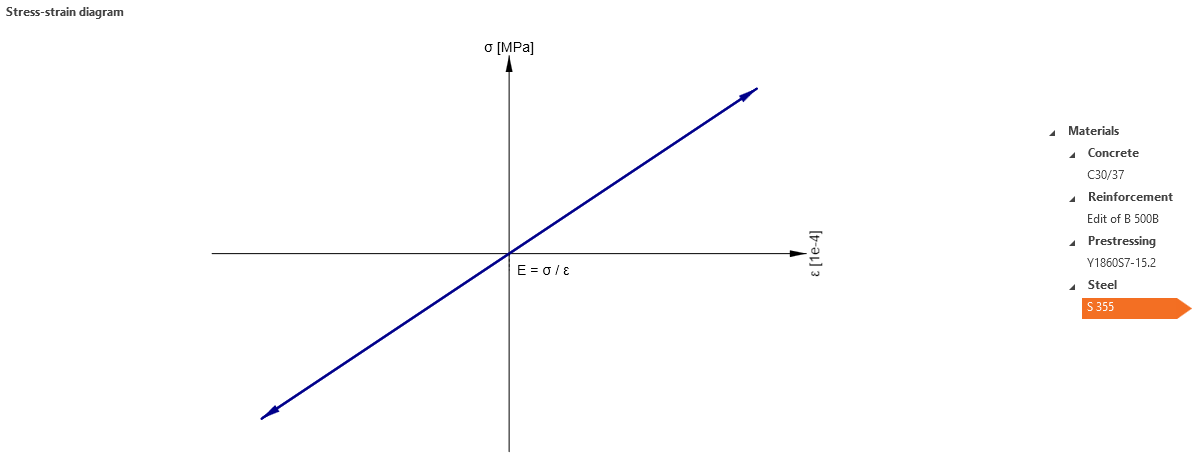
Additionally, the tab offers the ability to easily view stress-strain diagrams for the steel used in bearing plates, providing an understanding of material properties directly within the interface.
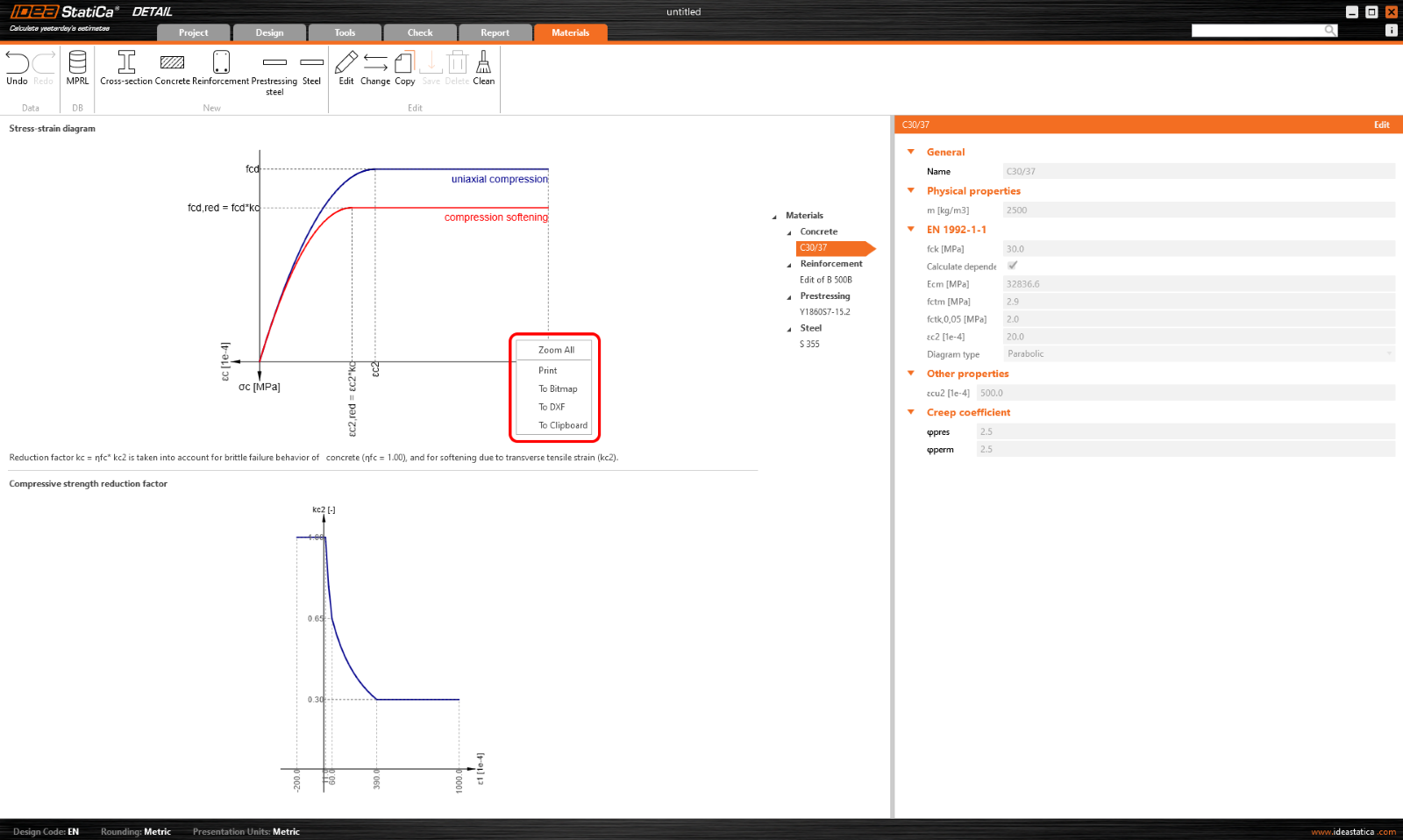
Export functionality allows users to right-click any image in the scene to export diagrams in a variety of formats, facilitating documentation and reporting processes.
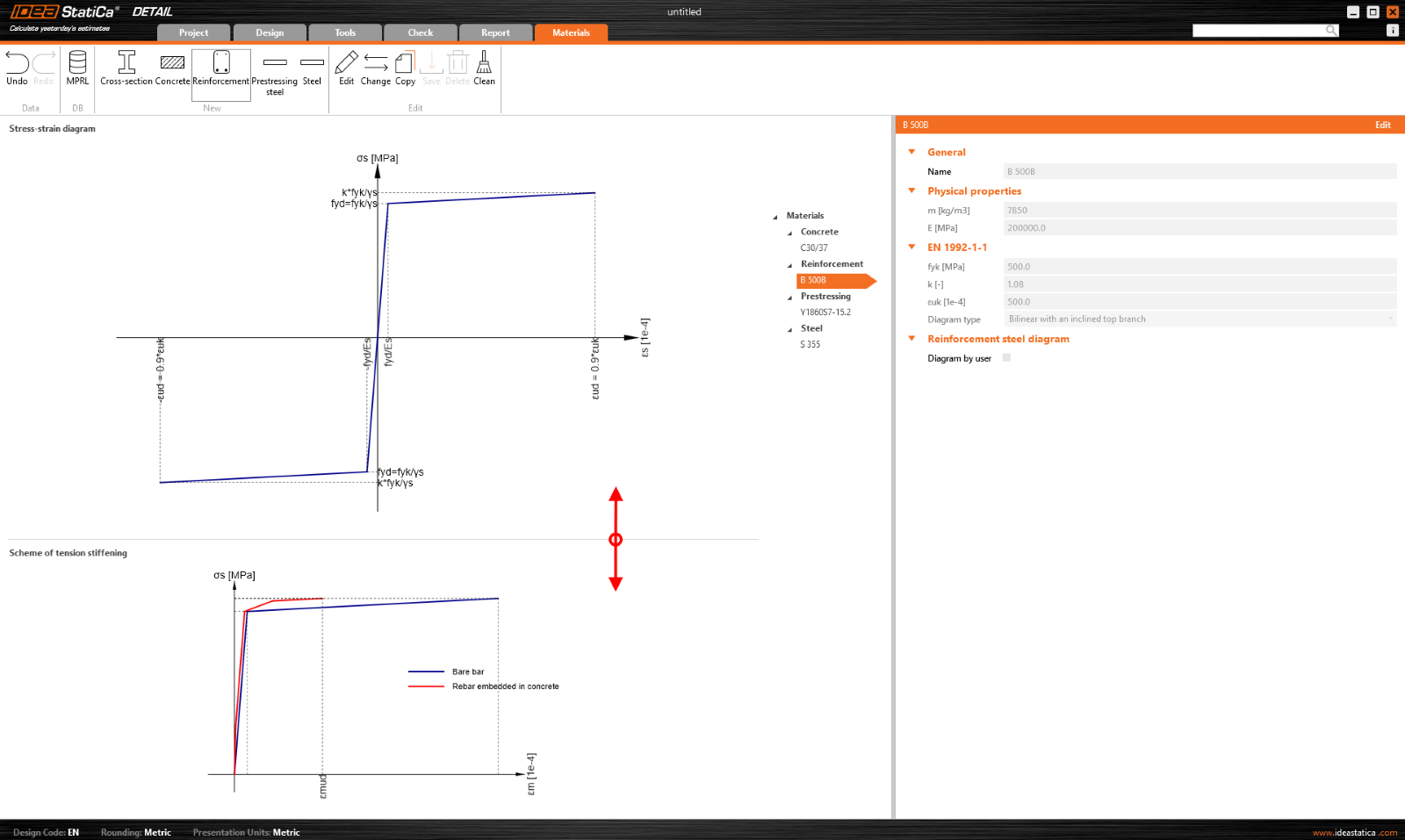
Scene control includes two diagrams for effective scene adjustments. A notable feature is also the ability to move the border between these graphs, providing users with great flexibility in customizing their view.
The user interface for the Materials tab prevents several potential critical challenges:
- Managing Diverse Materials: The tab simplifies the process of managing materials and cross-sections, which is particularly beneficial for rennovation projects, large-scale constructions, or research, ensuring a streamlined workflow.
- Complex Project Structures: Given the complexity of projects with numerous items and varied materials, the UI promotes efficiency and ease of navigation, making it easy to manage and review material properties and cross-sections.
Released in IDEA StatiCa patch 23.1.4.