Idea Statica
  • Steel
  • Concrete
  • BIM & workflows
  • Support & Learning
  • Pricing
  • Company
  • Steel overview
  • Connection design
  • Member design
  • Parametric design
  • Steel case studies
  • Concrete overview
  • Walls and D-regions
  • Anchoring design
  • Members & cross-sections
  • Concrete case studies
  • BIM overview
  • Supported integrations
  • Checkbot
  • Viewer
  • APIs
  • Support Center
  • E-learning & certification
  • Blog
  • Downloads & Licensing
  • Plans
  • Free community tool
  • Enterprise customers
  • Students & educators
  • How much will you save?
  • About us
  • Contact
  • Research & development
  • Authorized resellers
  • Meet our customers
  • Career
  • Steel
    Steel overviewConnection designMember designParametric designSteel case studies
  • Concrete
    Concrete overviewWalls and D-regionsAnchoring designMembers & cross-sectionsConcrete case studies
  • BIM & workflows
    BIM overviewSupported integrationsCheckbotViewerAPIs
  • Support & Learning
    Support CenterE-learning & certificationBlogDownloads & Licensing
  • Pricing
    PlansFree community toolEnterprise customersStudents & educatorsHow much will you save?
  • Company
    About usContactResearch & developmentAuthorized resellersMeet our customersCareer
14-Day Trial
14-Day Trial
  • Steel
  • Concrete
  • BIM & workflows
  • Support & Learning
  • Pricing
  • Company

Subscribe to our newsletter

Company

  • About us
  • Partners
  • Careers
  • Patent

Resources

  • Customer projects
  • Case studies
  • Connection Library
  • Verification books

Legal

  • EULA
  • Global privacy policy
  • California Privacy
  • TOS Viewer
  • Licensing

Help

  • Contact
  • Quote request
  • Resellers
  • Downloads
FacebookInstagramLinkedInYouTube

© IDEA StatiCa 2009-2026

Trusted and used worldwide by engineers, fabricators & consultants.

Support CenterKnowledge Base ArticlesLimited stress check feature in Detail
General description of Auxiliary results in Detail application
General description of SLS results in Detail application
General description of Summary results in Detail application
General description of ULS results in Detail application
Singularities vs. stress concentration area
Thorough CSFM results available
Crack width check improvements
Limited stress check feature in Detail
Presentation of relevant curve results in detailed graphs in IDEA StatiCa Detail
Anchorage check step by step
Limited stress check feature in Detail
ConcreteReinforced concreteKnowledge baseDetail 2DSLS

Limited stress check feature in Detail

This article is also available in
ENCZDEESFRITPTNLHUROKRPLTHTRVIZH

Have you ever had an unsatisfactory SLS check due to a stress peak in concrete? The Limited Stress Check functionality offers a solution to this problem. Read the following article to learn how you can use the feature effectively and safely.

Stress peaks (singularities) can be neglected from the stress limitation check! Before we explain this option in detail, let's recall how the singularity, which can be neglected, and stress concentration, which cannot be neglected, differ. In the figure below, you can see a typical stress peak (singularity) in a sharp corner and a typical stress concentration around an opening.

It looks very similar, so how can you recognize the singularity from the stress concentration? When can you use the limited stress check? Well, the fact is that the decision is always up to the responsible engineer. We can offer you advice and name some typical singularities to help you.

  • When there is a rapid change in stress in one element of the mesh – there is a singularity.
  • If the stress is high above the limit only in one node of the mesh – there is a singularity.
  • Only the very small areas of unsatisfactory stress should be neglected.
  • Typical singularities – sharp corners, the point of the mesh that is near to the anchorage or bearing plate and is not included in the partially loaded area.

Now, let's explain how the feature works. There is a wall with an opening with an unsatisfactory stress limitation check in the right sharp corner.

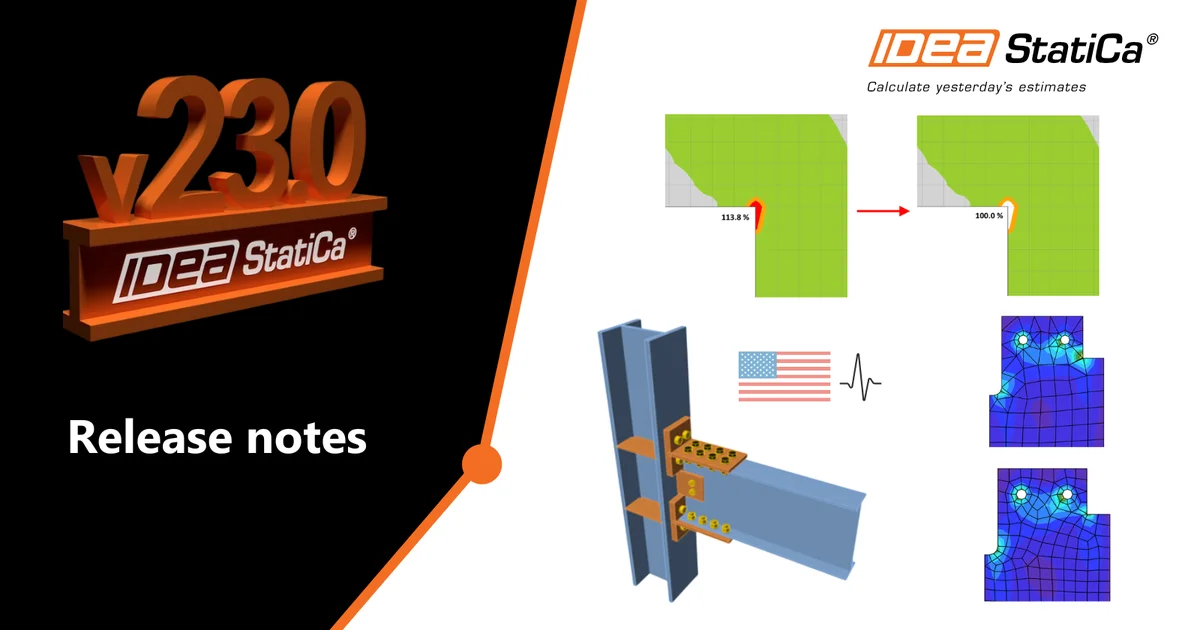
As you can see, the area is very small according to the whole structure. There is a option in the top ribbon that allows you to neglect the unsatisfactory areas.

The utilization is then 100%, and nonconformity appears.

You can also display the neglected areas. 

All of these checks and images can be added to the report. So it will be shown that some areas were neglected, or how large these areas are. You can choose if you want to report original values or not, etc.
Download the new version of IDEA StatiCa and try all the features

Download new version

Related articles

Release notes IDEA StatiCa 23.0
  • Concrete
  • Steel
  • Connection
  • Detail 2D
  • Member
  • Checkbot
  • Viewer
  • RCS
  • IDEA Open Model (API)
  • ACI (USA)
  • AISC (USA)
  • BIM link
  • EN (Eurocode)
  • v23.0
  • +14
  • Concrete
  • Steel
  • Connection
  • Detail 2D
  • Member
  • Checkbot
  • Viewer
  • RCS
  • IDEA Open Model (API)
  • ACI (USA)
  • AISC (USA)
  • BIM link
  • EN (Eurocode)
  • v23.0

Release notes

Release notes IDEA StatiCa 23.0

Read more