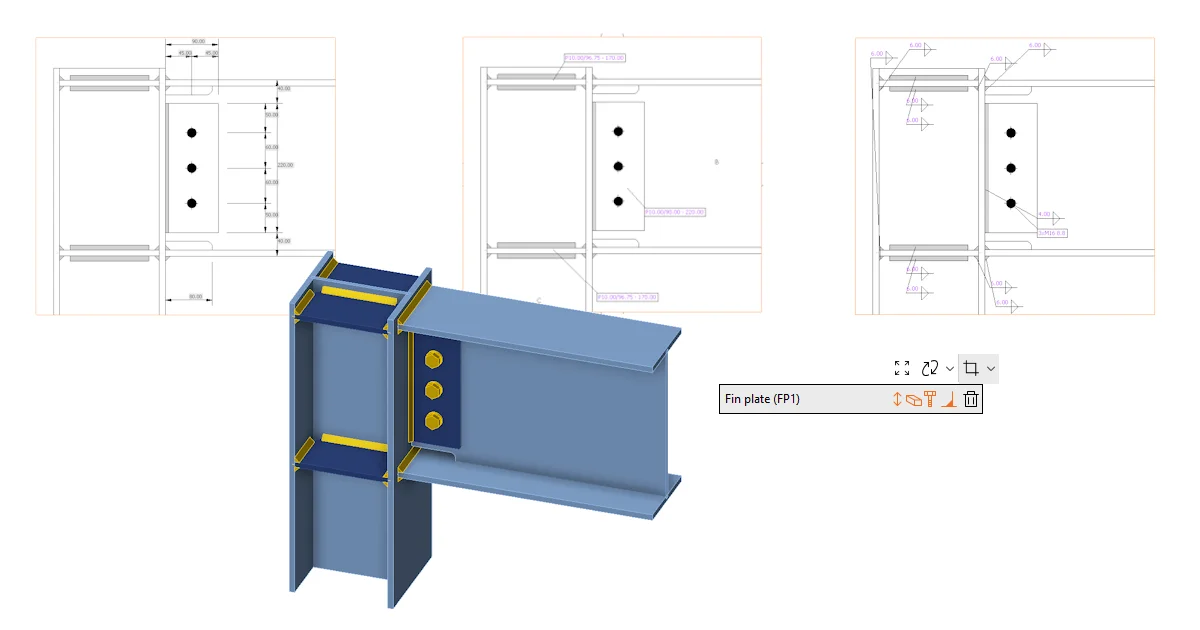
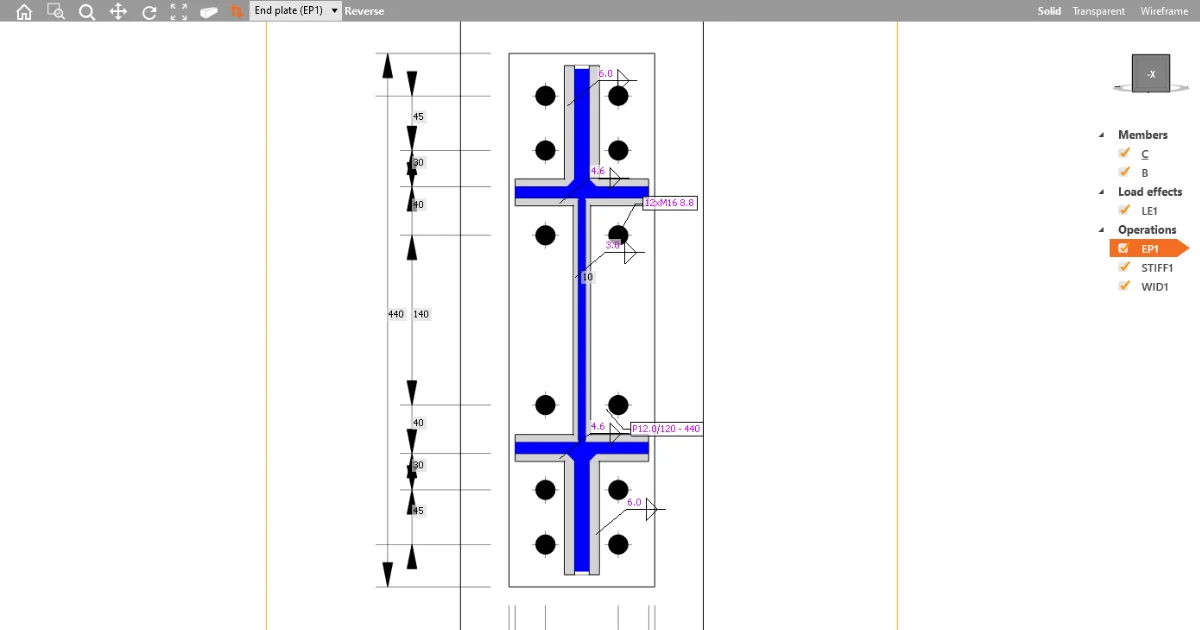
Users can measure critical gaps directly within the Connection app, including precise measurements for welding gaps to ensure proper tolerances, as well as verify the space required for bolt tightening without switching to external 3D CAD software.

The Measuring tool can be activated in the top right corner of the 3D scene. When turned on, you can select the points for the distance measurement directly in the scene. Once finished, you can deactivate the tool by unselecting the button or using the ESC key.

Selection options
The tool supports the measurement between the following entities:
- Corners: Measure distances from corner points.

- Edges: Determine dimensions between edges.

- Faces: Calculate distances between plate faces.

Limitations
The current version does not support multiple measuring at the same time. This feature is expected to be implemented in upcoming patches.
Distance Information:
There are two different places where you can read the distance between selected corners/edges/plates:
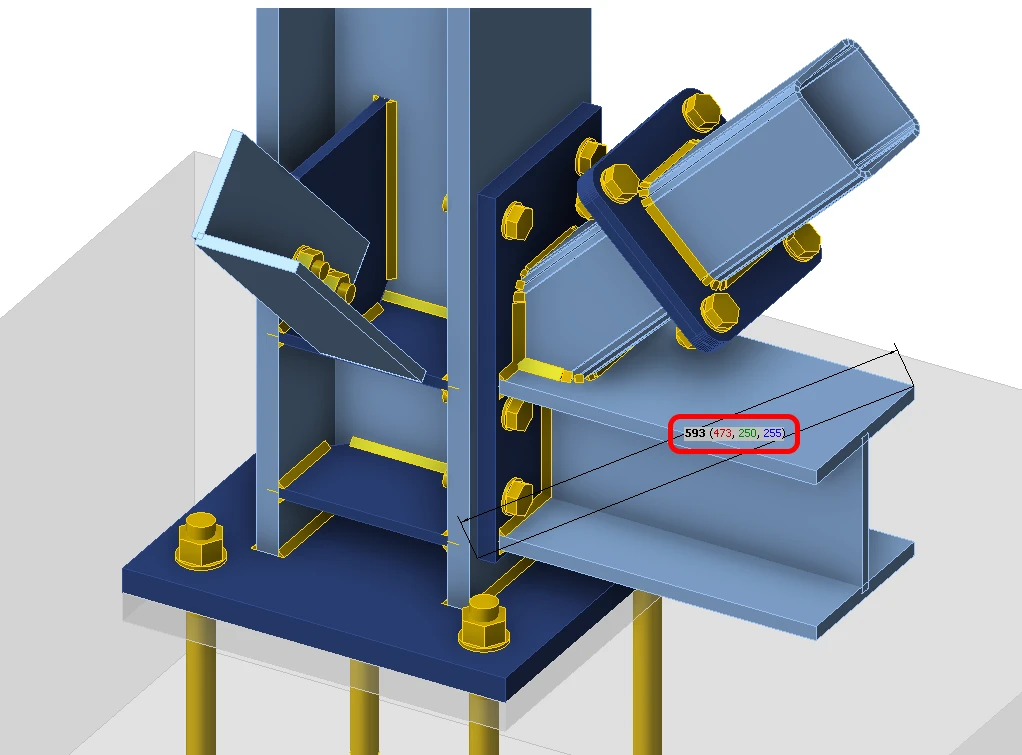
- Shortest distance: Displays the minimum distance between selected elements directly in the scene.
- XYZ distances: Offers detailed distance information along the X, Y, and Z axes, according to the global coordinate system. This information is available in respective colors next to the overall dimension.
Released in IDEA StatiCa version 24.1, updated in version 26.1.
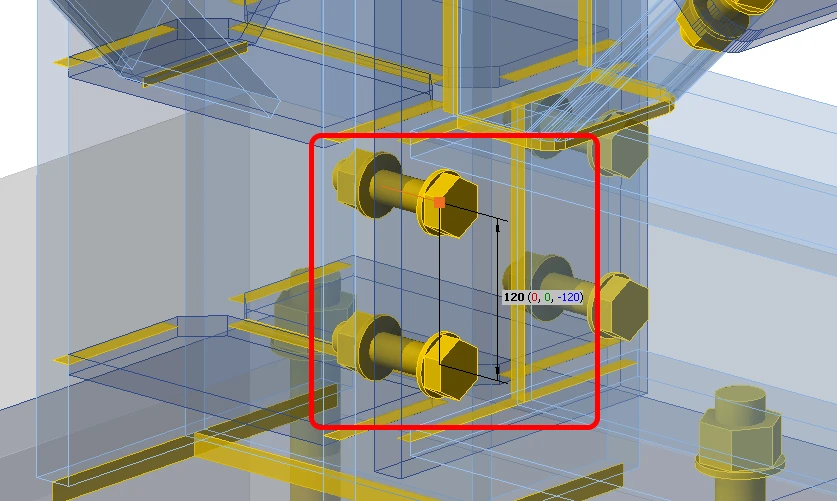
Measuring bolts, pins and anchors:
Snapping points for measuring distances and spacings of fasteners:
- Bolts and pins — head, end, and midpoint. The head and end points sit on the plate, so a measurement from a bolt to a plate edge starts where the bolt axis actually meets the steel surface.
- Anchors — head, top of concrete, and end point. An anchor has no midpoint; the points that matter are where it enters the concrete and where it ends. For anchor end point measuring, please turn on wireframe view in the Connection app - concrete faces have higher priority by default, so the end point can't be picked.
Note: Released in IDEA StatiCa version 26.1.