- What types of BIM link are available in IDEA StatiCa Connection
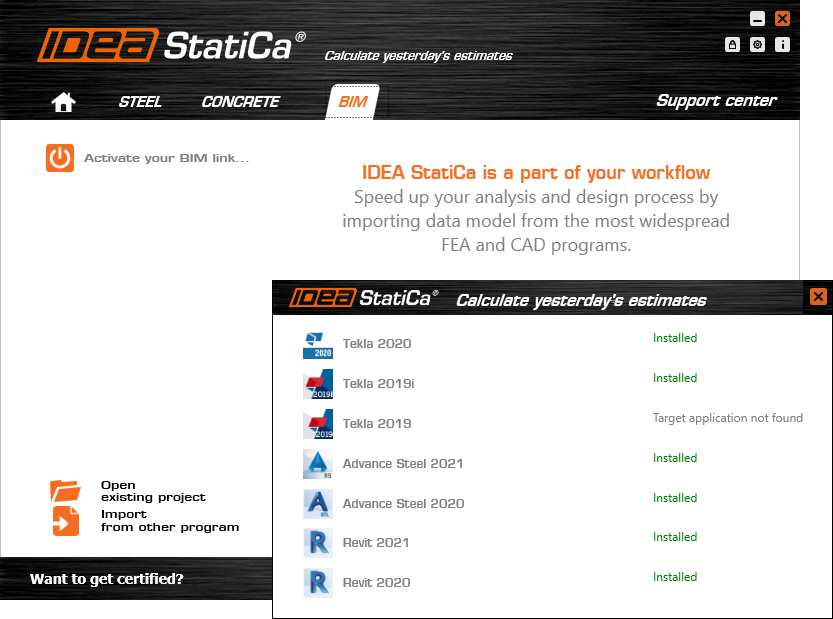
- How to integrate the CAD BIM link and run it for the first time
- How to export one or multiple connections
- What to do if uprates of the model are necessary
- How to combine CAD and FEA model of the connection
- What results will I get and how to print a report
- What if the integration of the link fails
- Why is IDEA StatiCa Connection a unique solution for your structural joints

WebinarSteelConnection designBIM linkAdvance SteelTekla Structures
Connection Wednesdays – Latest features of CAD BIM links
This webinar is also available in


Streamed on
February 3, 2021 / 11:00
(in your local time, 24-hour format)
One of the most popular IDEA StatiCa Connection features is the BIM link to programs dedicated to connection detailing.
Join the webinar and learn about


No wonder. It would not make any sense to create the detailed model of the connection again from scratch, of course. Take advantage of the IDEA StatiCa + CAD link and save your time for other actions. In the webinar, we will present the link in detail and show you a step-by-step procedure of exploiting all the features available today.
Webinar content
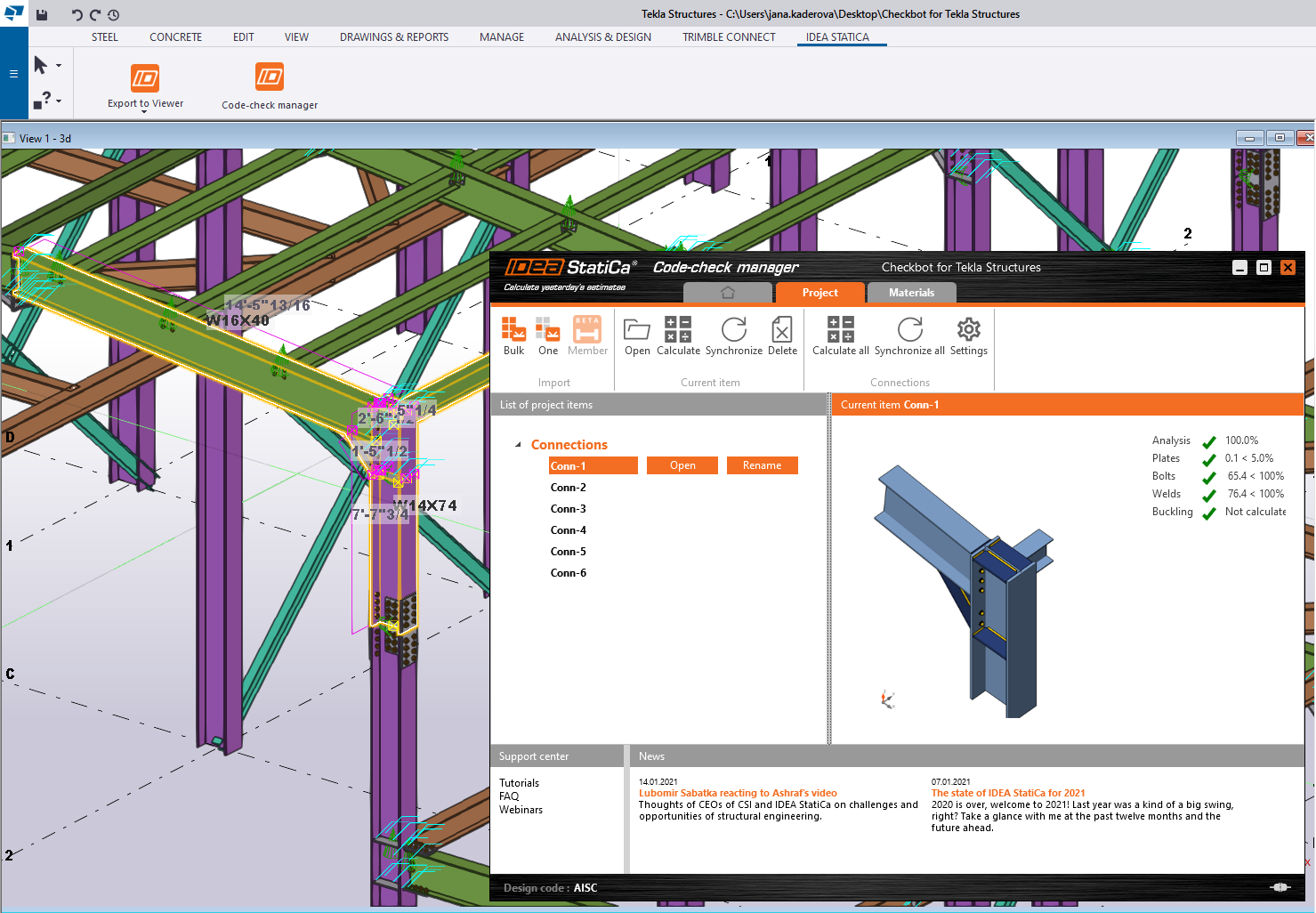
The CAD links can save plenty of time with a quick transfer of all the plates, bolts, and welds from your Tekla/Advance Steel/Revit model to IDEA StatiCa, where the engineer can input the loads from the structural model. In IDEA StatiCa, these two merge together, resulting in a realistic model of the connection loaded by the real internal forces. Now, the joint can be analyzed and checked according to the selected standard in a CBFEM calculation. Some changes in the Tekla model? Don’t worry, the link can automatically synchronize the exported model in few steps.
As usual, we will also go through one “HelpDesk highlight” in the second part of the webinar: This time, we will take a look at some frequent issues with the CAD BIM link integration and how to solve them easily on your own.