


Key features of the User Portal environment
- User-oriented content is shown in the main platform
- Clear communication of expired licenses
- A concise dashboard with important data in one place:
- Account details
- Reseller info
- Easy-to-use helpdesk case management
- Access to the IDEA StatiCa courses e-learning platform
- A side menu also makes it easy to:
- Browse through License analytics with the product usage overview
- Access the cloud tools Connection Library and Viewer

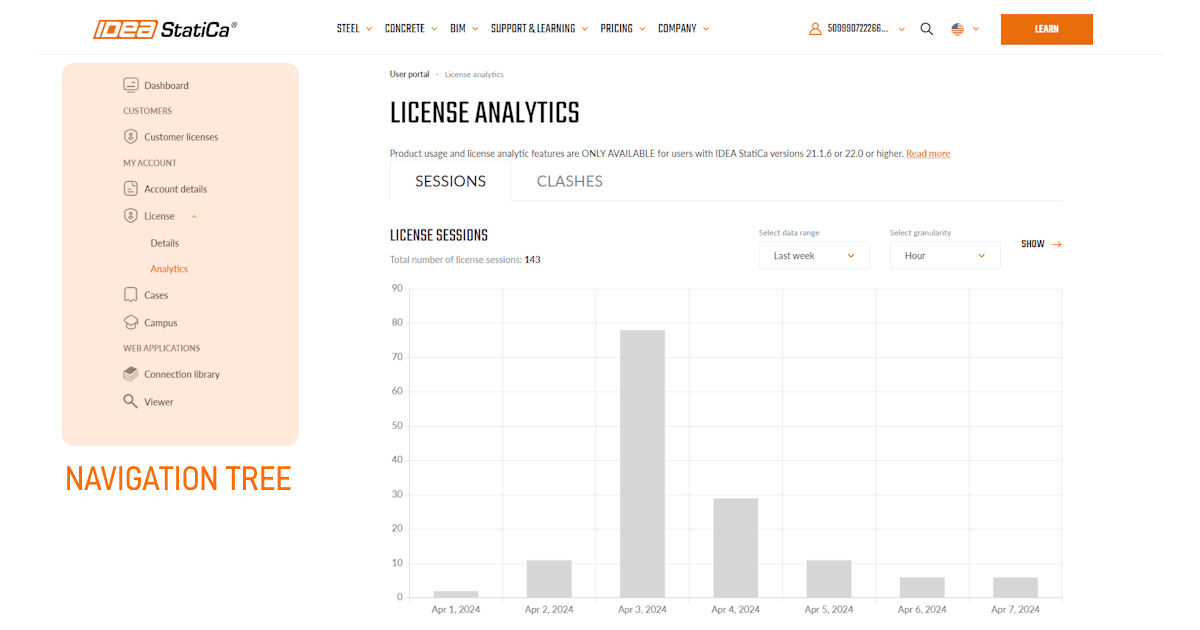

Besides administration purposes, links to IDEA StatiCa cloud tools are present there as well.
Released in IDEA StatiCa version 24.0.
Self-service tools for license admins
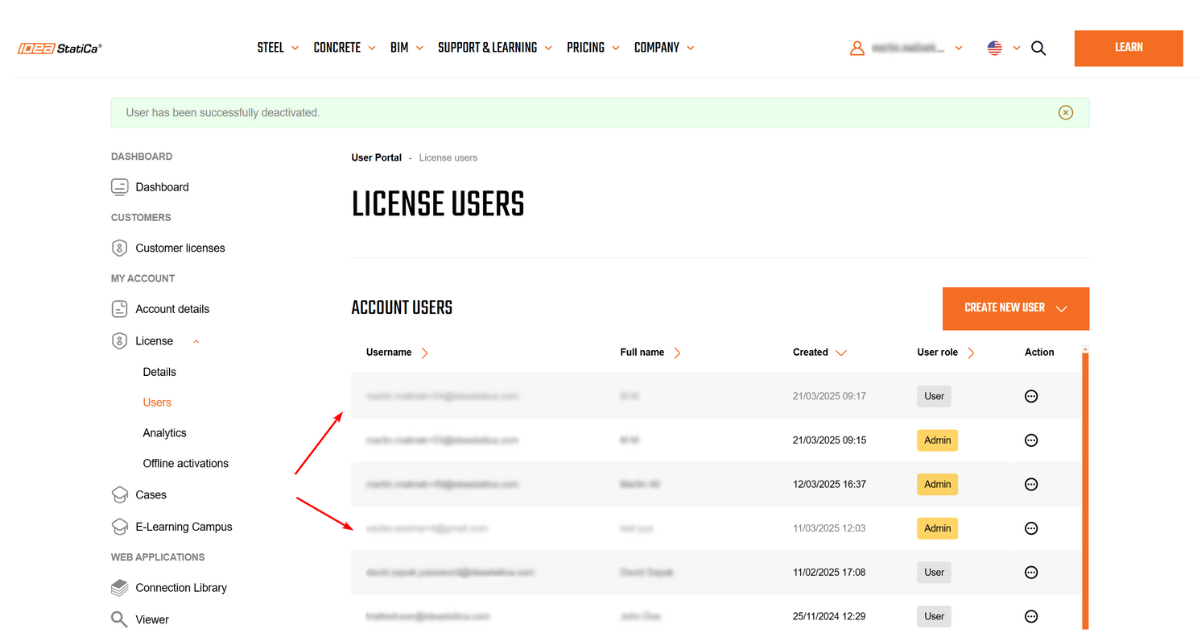
User deactivation by the license administrator
The User Portal provides the possibility for license administrators to Activate and Deactivate the users within their company license pool.
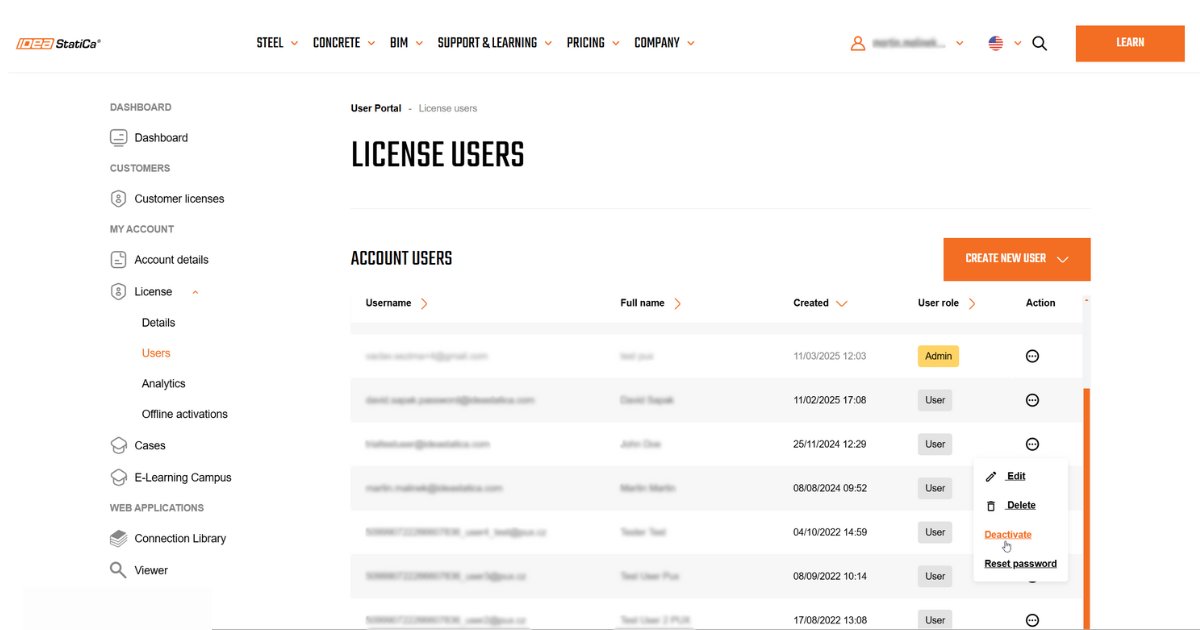
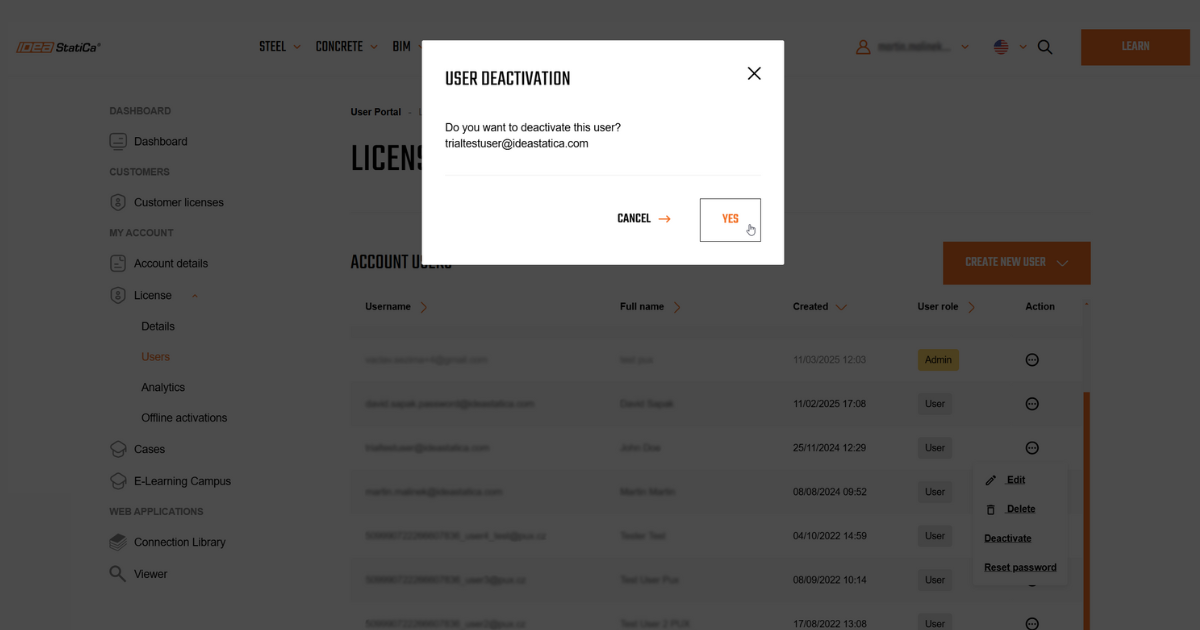
The Dashboard shows a clear list of license users, where the current status is visible based on text color.
Password verification for users created by a license administrator
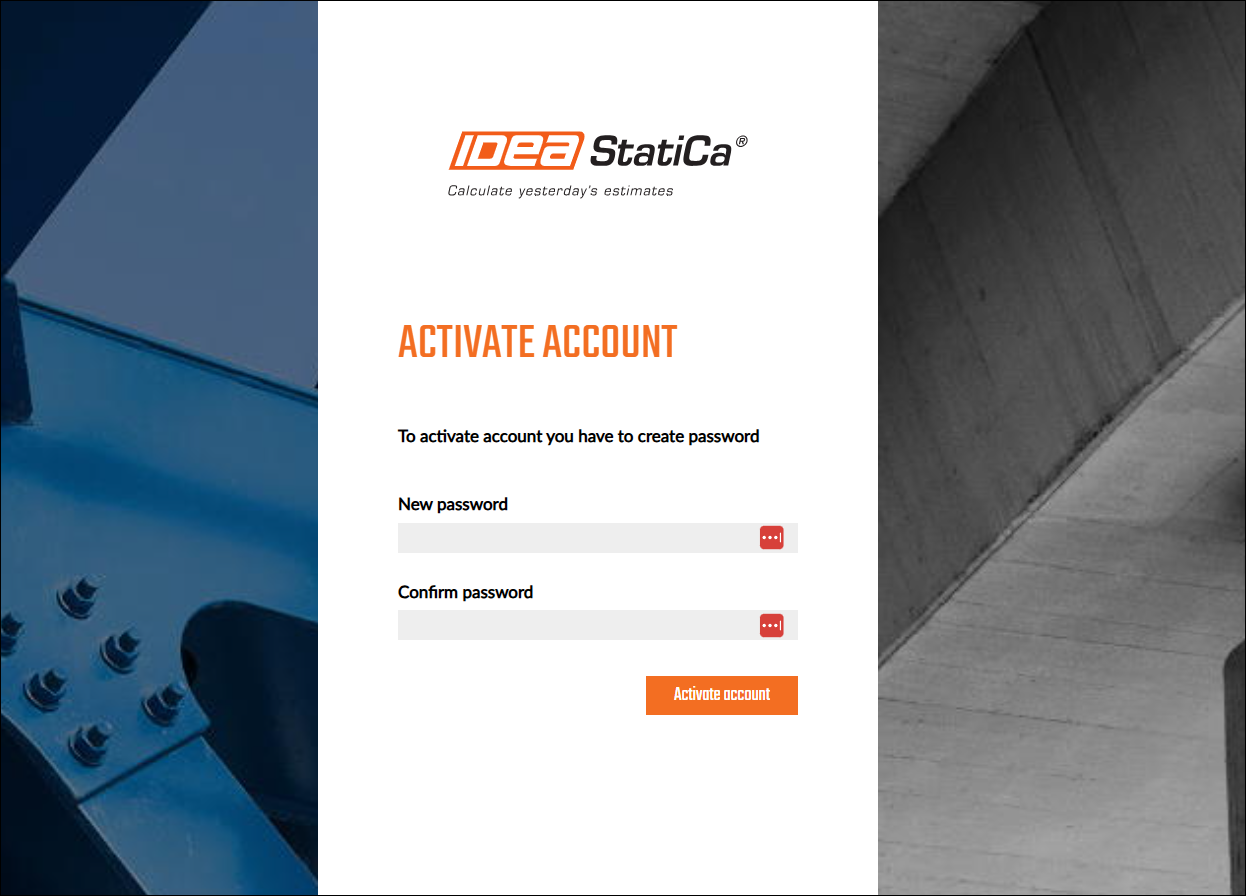
There is data security provision through new password verification for newly created users' accounts.
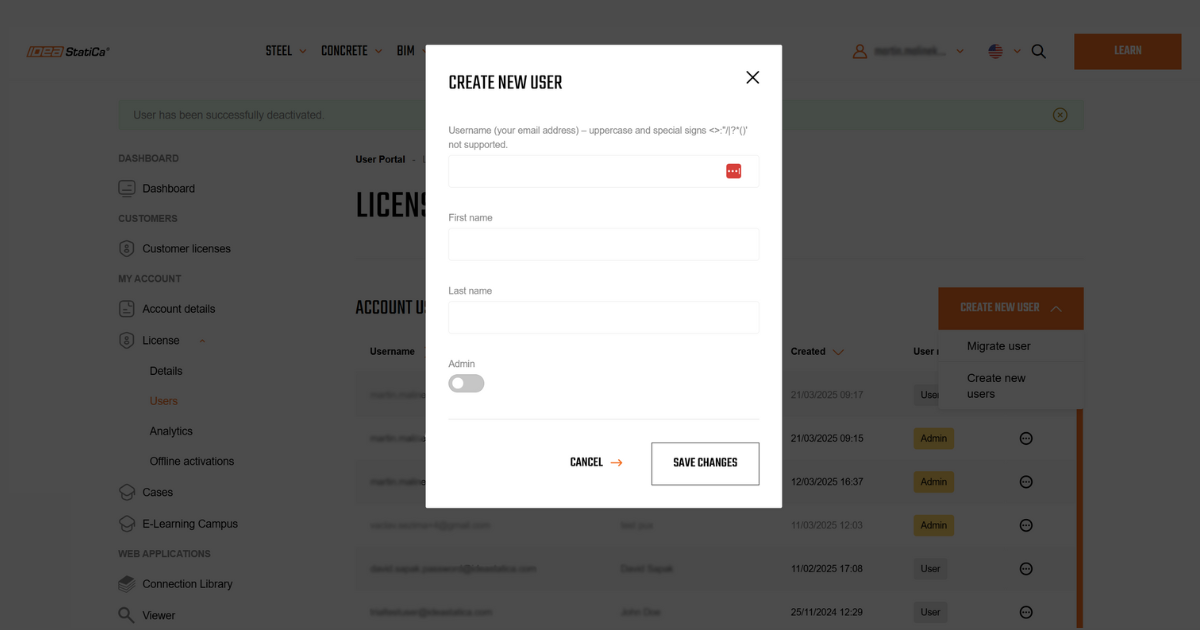
There is no need to send the new password from administrators to new users through unsafe copy/pasting. The new user will create their first password through an email confirmation link during the first launch process.
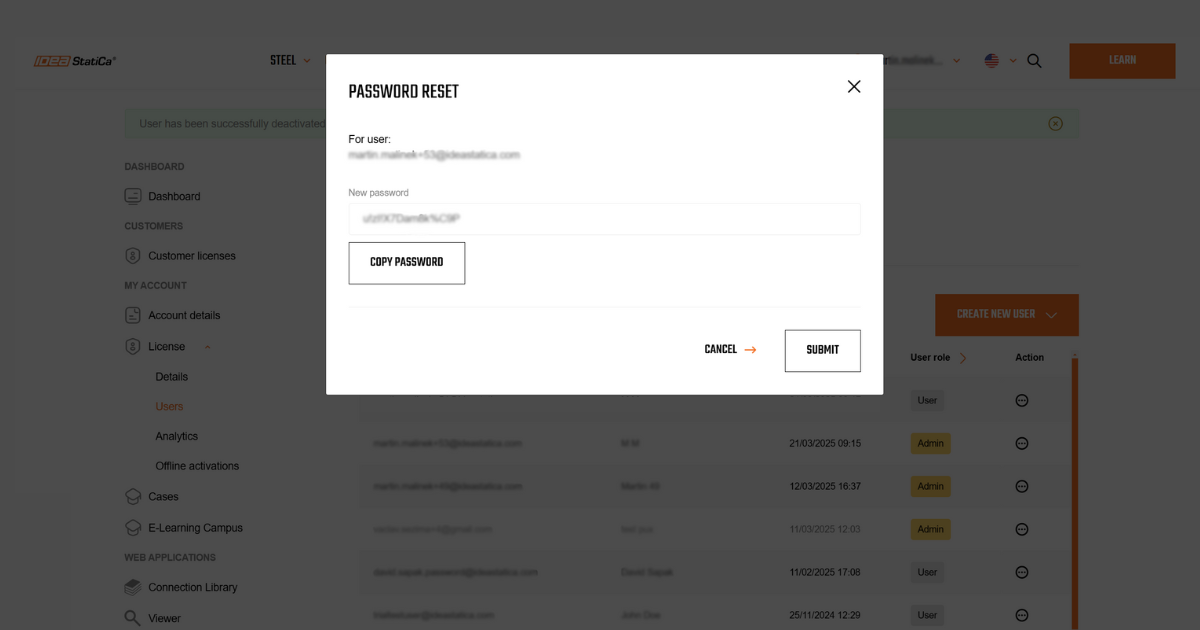
Password resetting by a license administrator
Another security self-service feature allows a license administrator to reset the license user's password in case it was forgotten or the credentials have been compromised.
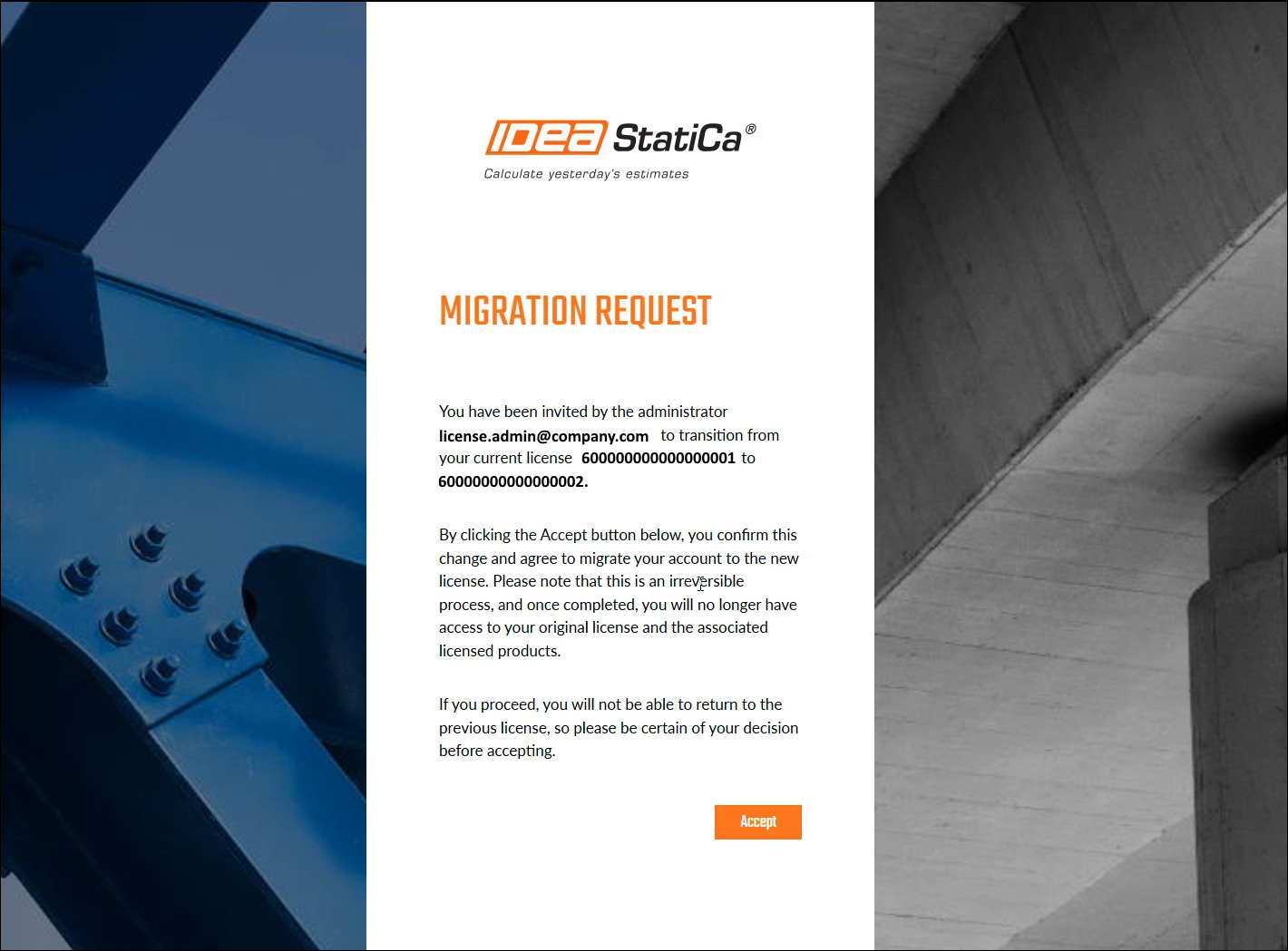
User account migration
In cases where IDEA StatiCa users work on different types of licenses (commercial, trial, educational), the company license administrator can migrate the users' accounts under the main company license.
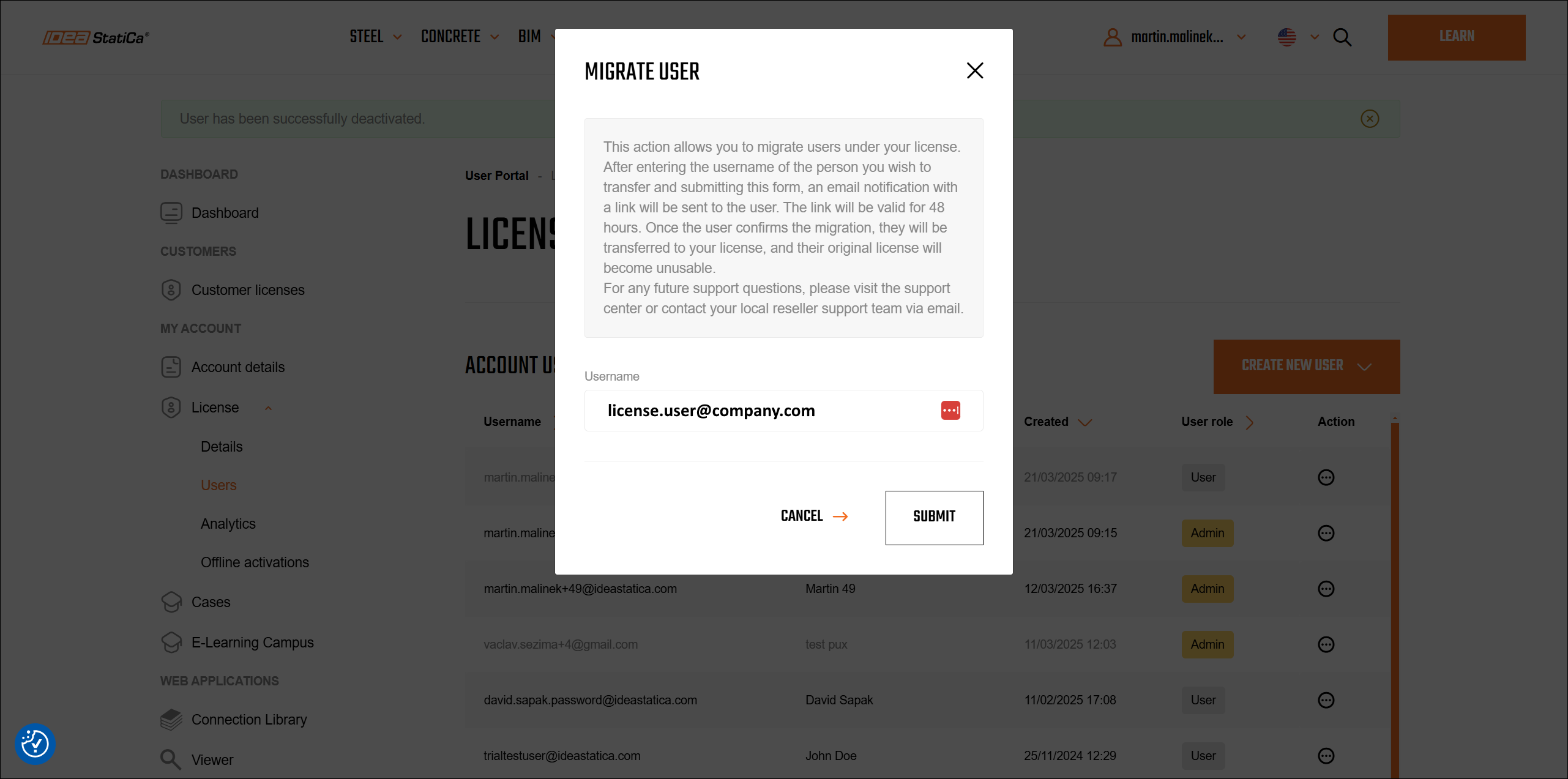
This process is completely manageable on the side of the customer without the necessity of contacting IDEA StatiCa support. The migrated user gets a confirmation notification about being added to the company license pool of users.
A user's branch office selection
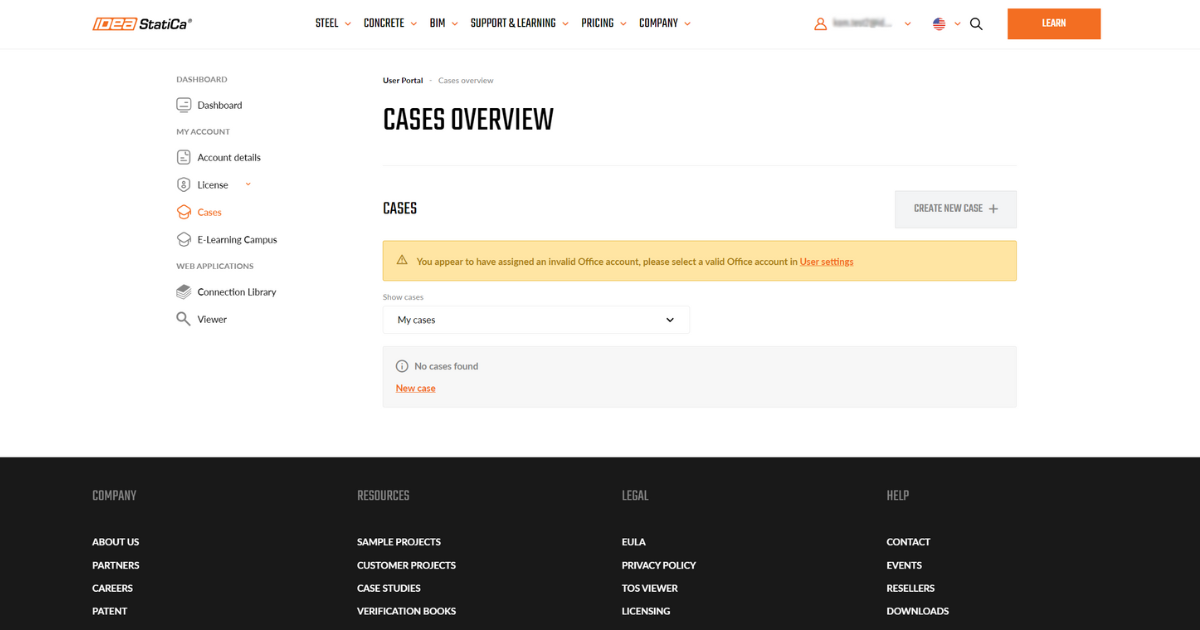
For Enterprise license customers who are sharing the license pool across several offices, this functionality allows the license administrators to set the proper branch office for every license user. This helps the companies to track the usage of the licenses or number of support cases reported.
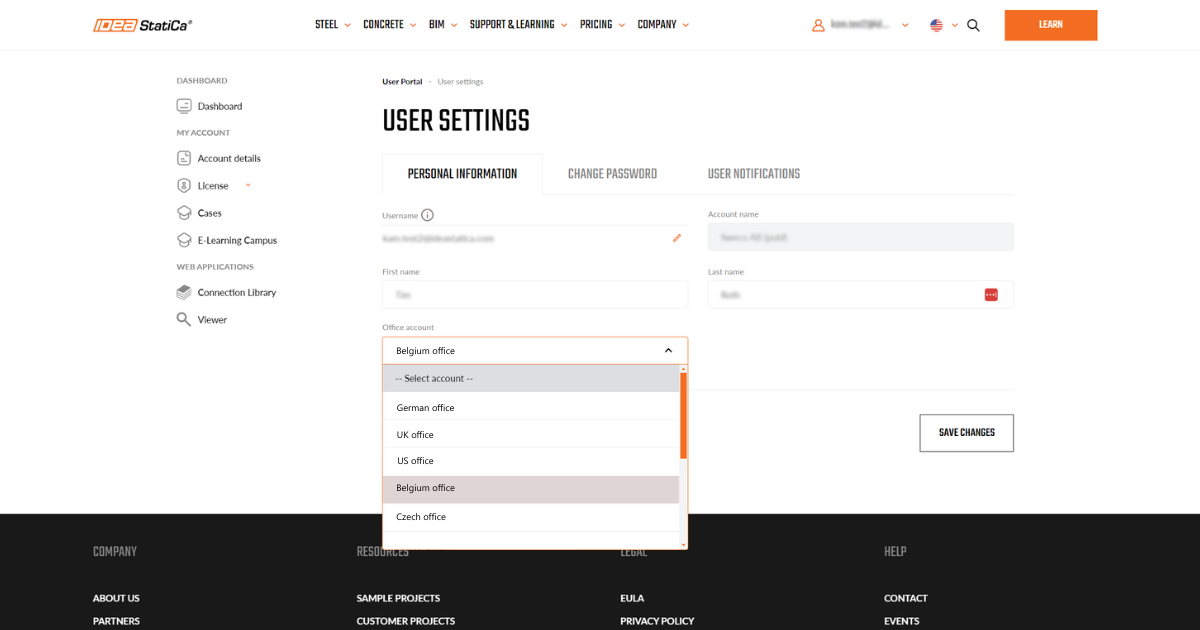
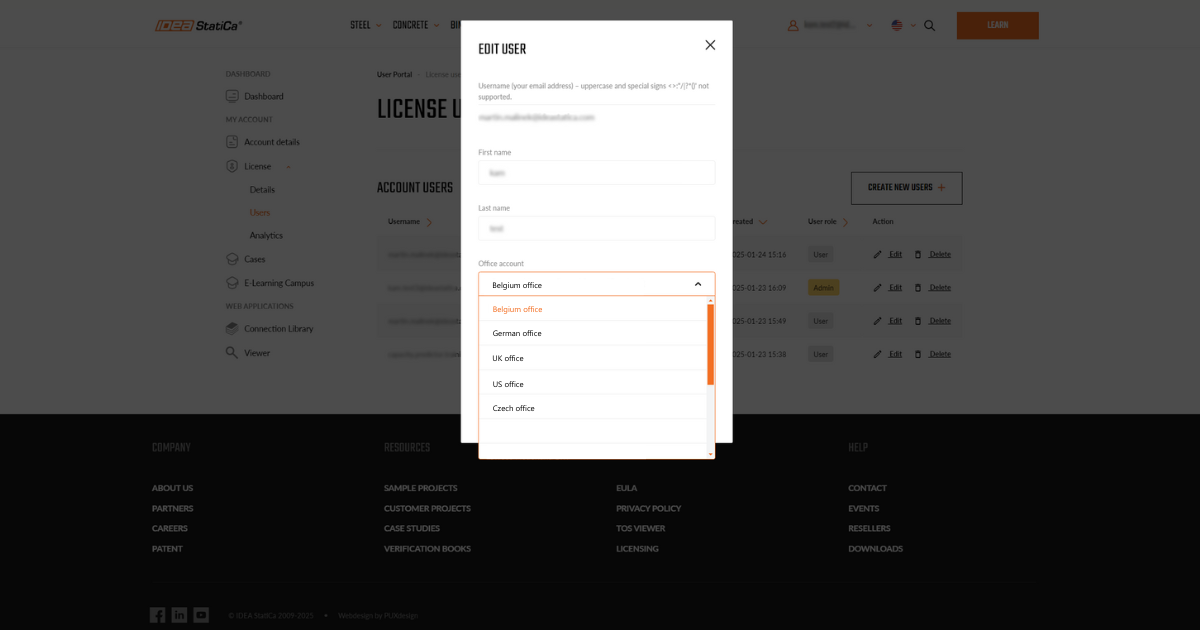
Besides clearer user management, this also leads to a time reduction in the processing of cases, as the proper support office can be selected faster on the side of IDEA StatiCa support.
Users' activity score
These score categories allow users to participate in IDEA StatiCa development through Beta testing or Feature request reporting. In addition, it enables the personalization of online content suggested to specific users.
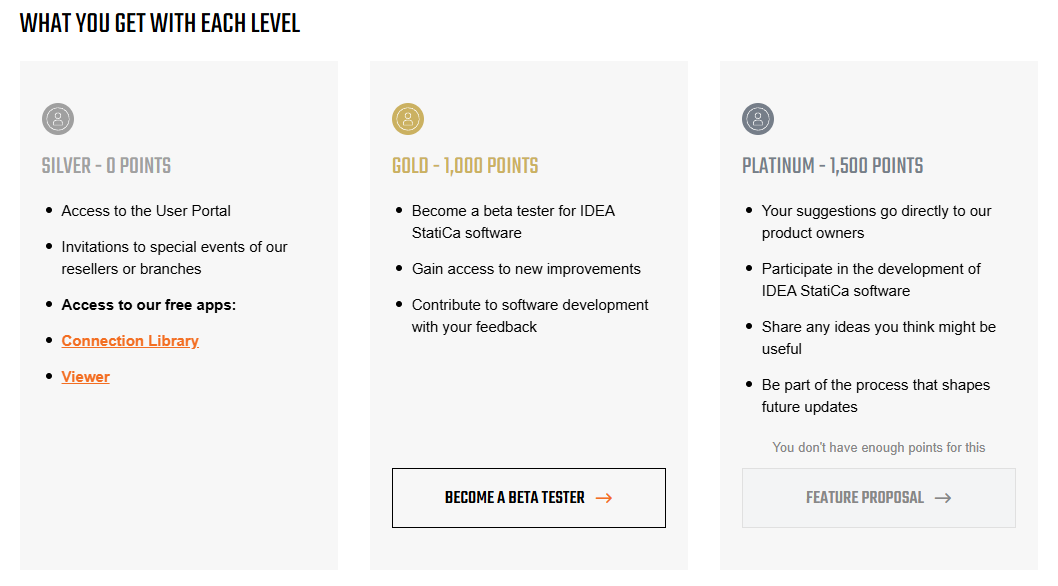
How the IDEA Activity Score is calculated
Engagement:
- Website activity
- Interacting with IDEA StatiCa emails
- Completeness of a user's profile
(A maximum of 1,000 points can be earned in this category)
Education:
- Attending training or workshops: 300 points per event.
- Successfully completing e-learning courses: 250 points for a completed course. What you will learn
- In-person meet-ups – Coffee and Learn, User Days, etc. – 80 points per event.
- Attending IDEA StatiCa webinars: 45 points for attending a webinar. Check out the list of webinars
(There is an unlimited number of points for this category)
Customer success hub:
- Creating a video case study with us – 1,500 points. Check out the example
- Creating a case study with us – 500 points. Check out the example
- Creating a customer project with us – 250 points. Check out the example
- Creating a short testimonial with us – 100 points. Check out the example
(There is an unlimited number of points for this category)
Using our software
- Actively engaging with IDEA StatiCa's software tools or free tools
(There is an unlimited number of points for this category)
Released in IDEA StatiCa version 25.0.