


Analytics overviews:
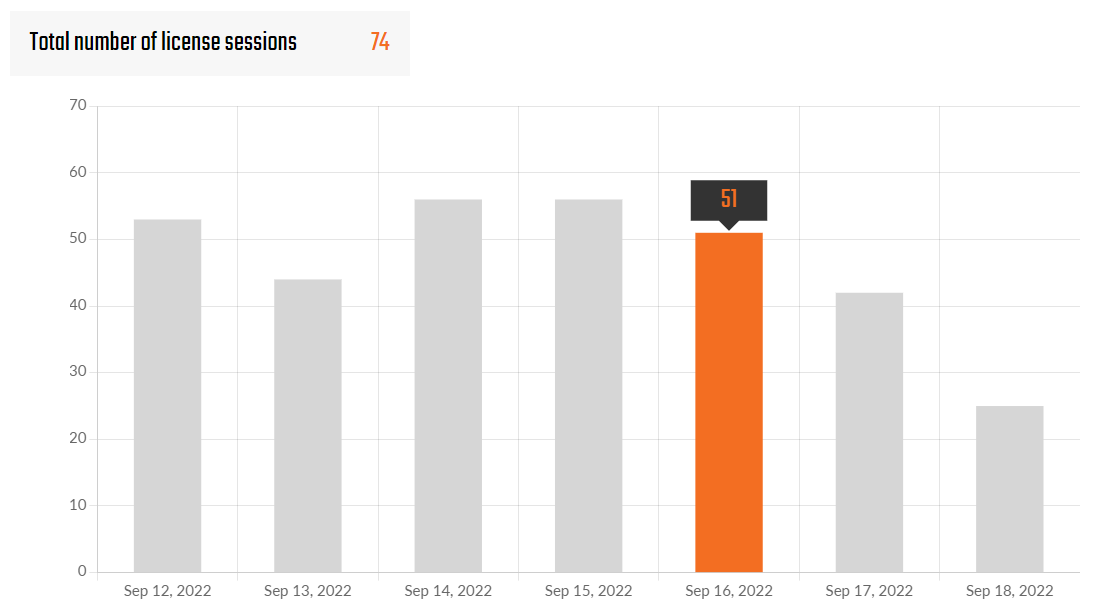
Number of License sessions
License sessions are always counted when a license seat is occupied by running any IDEA StatiCa app.
The number of License sessions depends on how many Products the user has activated in the License setting:
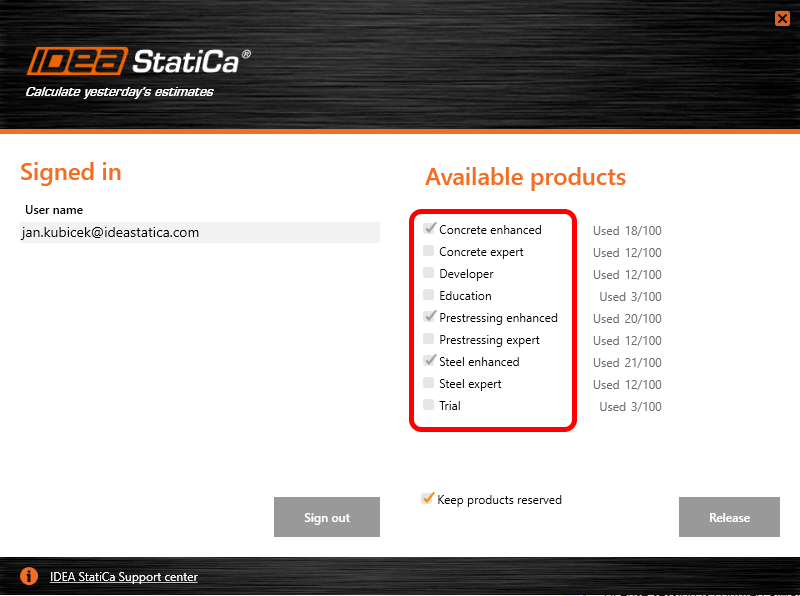
(In this example, four license sessions would be counted by the starting of any IDEA StatiCa app by this particular user.)
The user always has an option to Keep the products reserved for a longer time period, which can be set in the range of 1-500 hours after closing the app. It can be useful, e.g., for planned work without an Internet connection.
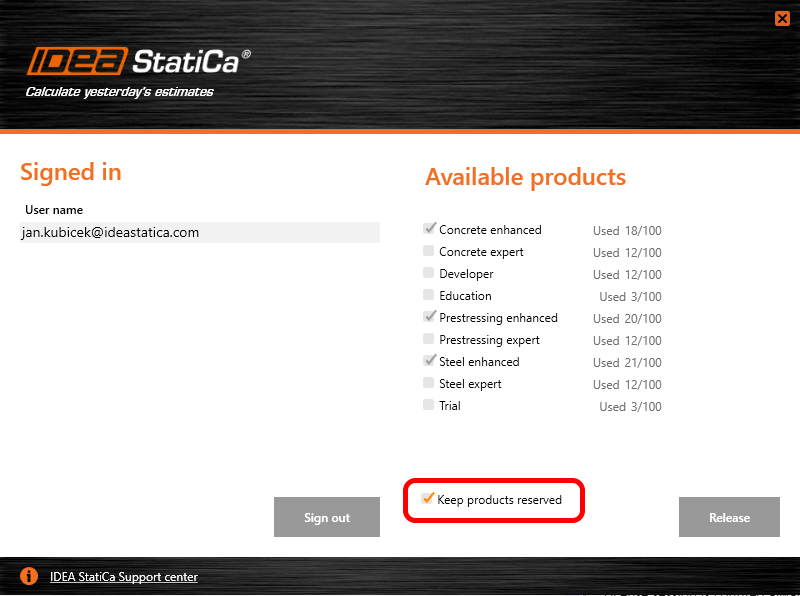
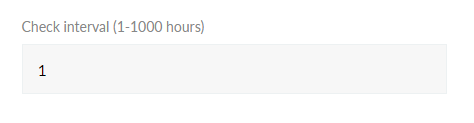
With the option 'Keep products reserved' turned on, the license session will be ended by running out of the 'Check interval' time period (set in the User Portal license setting).
Otherwise, with the option 'Keep products reserved' turned off, the license session will be ended by closing the last active IDEA StatiCa app.
The check interval is set to one hour by default and can be edited by the license admin in the User Portal.
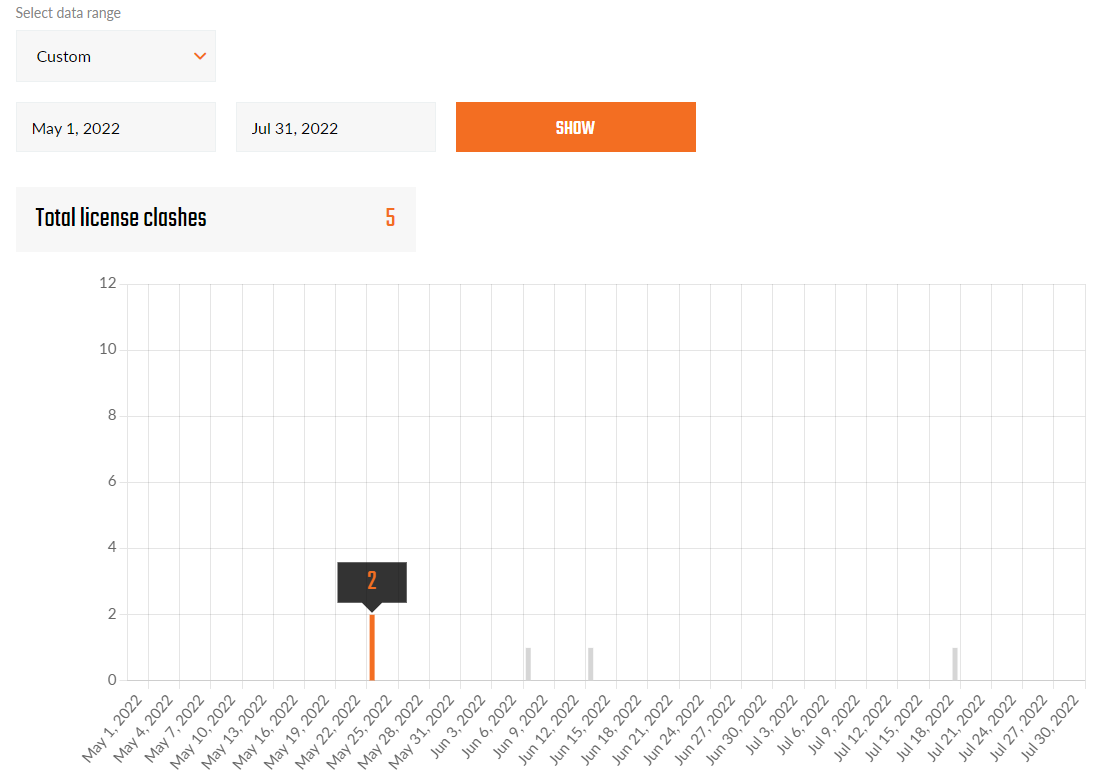
Number of License clashes
A clash is always counted when a user attempts to use a product while all the purchased license seats are occupied by other users.
The user can review the number of clashes in the history to be able to decide whether purchasing another license seat could help the users to be productive without waiting for others to release the seat.
License user analytics
You can have a better overview of the IDEA tools usage for specific license users with usage analytics. With this tool, the company license admin has a clear information about how their employees are using the application. This feature is aimed at Enterprise customers, for which this following data is available:
- License User name
- Country
- Reservation time of the seat
A typical use-case of this feature is evaluating the participation of branch offices in the total usage of IDEA StatiCa tools. Based on this, they can distribute the invoicing for their subsidiaries.
Description
- The feature is added to "License -> Analytics" as a tab Reports (accessible for users with Admin role)
- Available for customers with an Enterprise license
- Available for users with an Admin or Superadmin role
- The user selects the month/year for which the report should be generated
- The user receives a .csv file
- The .csv file contains the following columns: userid, username, usage in minutes
Usage in minutes is calculated based on the following logic:
- The usage is measured from when the given user reserves at least one seat. There is a check every 30 min to confirm the user's status – if they are still using the application. If not, then they are logged out and the measurement time ends.
- The user can have the "Keep seats reserved" check box in the license tool selected. In such cases, we use the value from the field "Time interval" in User Portal (License -> Details). Here, the license admin can define how long (in hours) users stay logged-in when using the application in offline mode. If they do so, then we use this value and add it to the usage we measured before the user went offline. This is the value saved in the report.
- Usually, the measurement ends when the user releases the seat (by closing the last opened application or hitting the dedicated "Release" button) or logs out.
Available in the IDEA StatiCa User Portal.