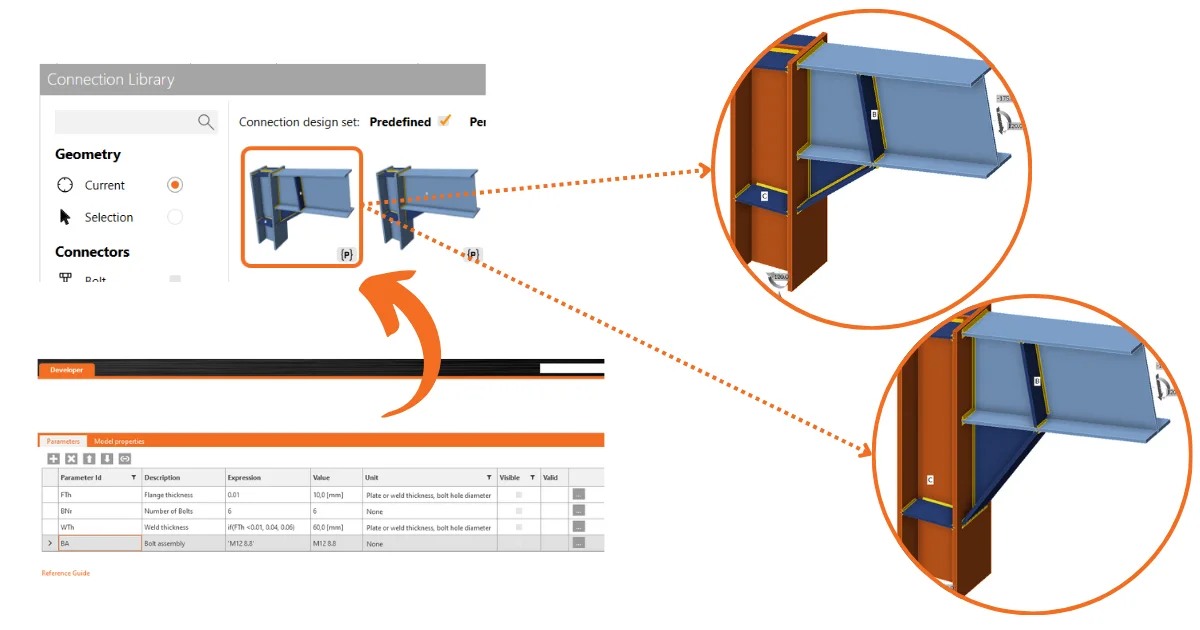
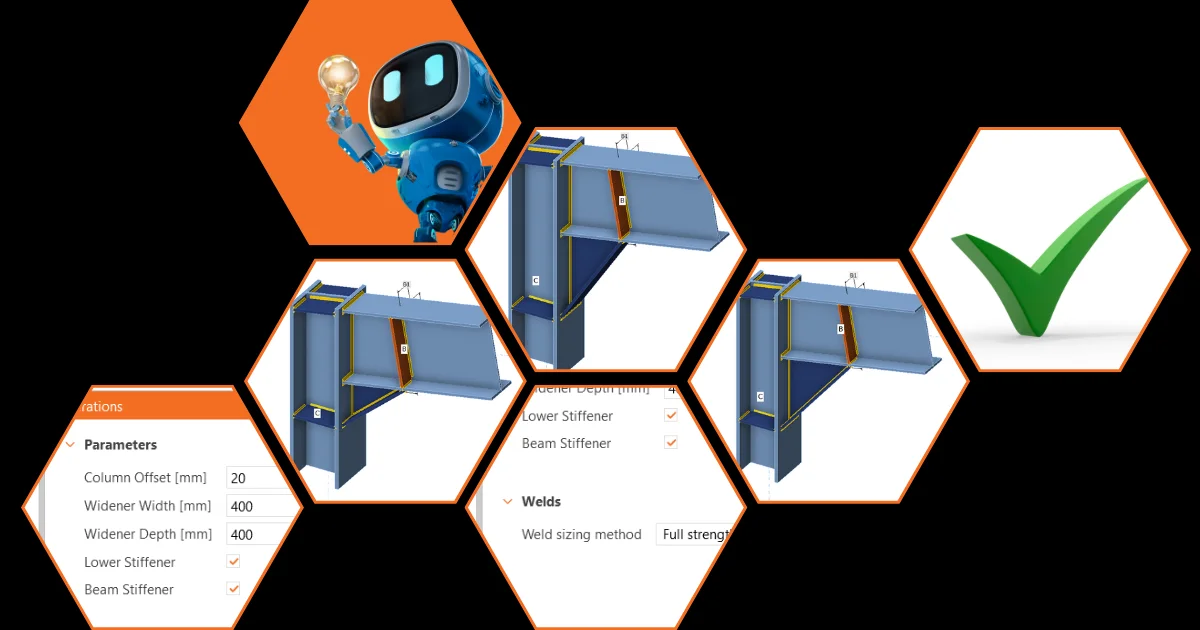
This makes parameters a usable feature to drive powerful parametric and automated connection modeling.
UX
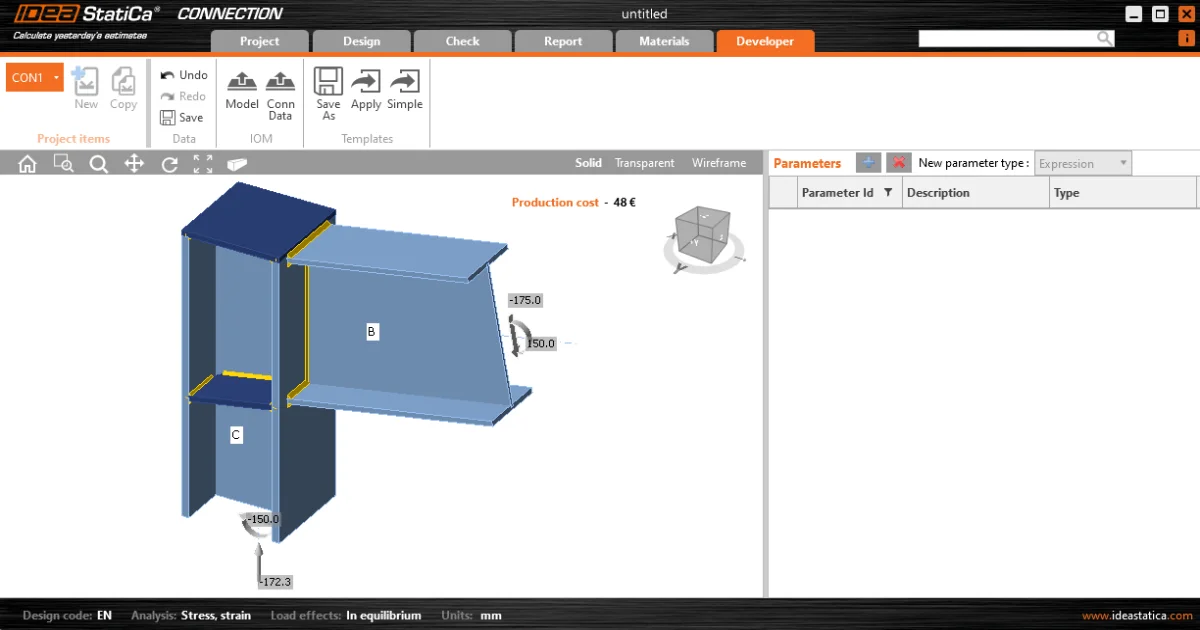
The UX of the Developer tab has significant features included.
- Parameters and model properties are now split into tabs in the side panel. With Parameters being positioned as the 'primary' element of this functionality.
- It is possible to link parameters to model properties directly from this tab using the add model property link button.

- A Value output column has been included so the user can see the calculated output in real-time.
- A custom Parameter Validation is available to allow template creators to notify others of limitations to their parametric designs.
- The user can select a validation 'type' and choose whether to warn the user or restrict the set to the model.
- If validation is set and passed (=true), a success icon displays.
- If validation is set and not passed (=false), either a warning or error icon displays.
- If no validation is set, no icon displays.

- A unit selection is available to allow users to see the output value in their preferred unit type (set by program settings). Note: all calculations and expression inputs are still to be in basic SI units.

- The Model Property Dialogue works in the following way:
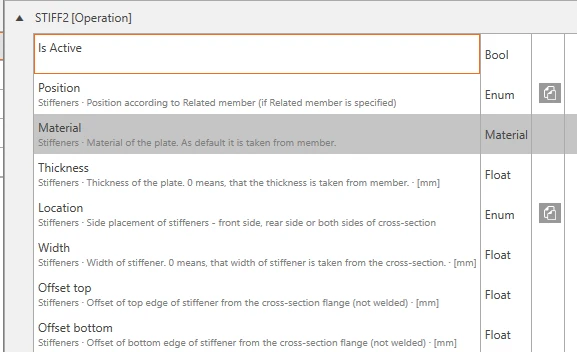
- An Is active column has been added to model properties to show the user if the specific property is visible in the current UI of the program.
- A parameter can now also be edited on a particular added model property.
Clever Features
In addition to the core functionality, we've included (v26.1) a few smart tweaks to help you build parametric templates.
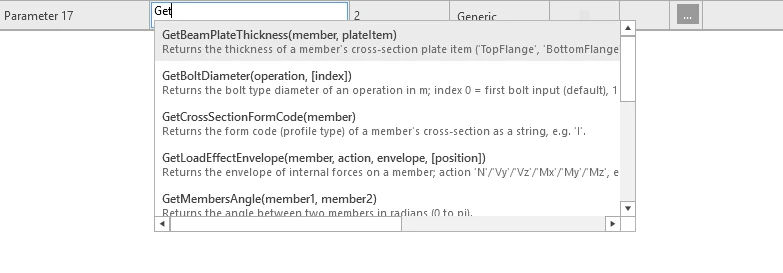
- Developer tab expression editor: code completion and signature hints while typing.
- Add model property link dialog: each property shows a dimmed context subtitle; duplicates get ordinals.
- Bolt Assembly parameter value type: combo + "+" button (MPRL picker) in the Design tab.

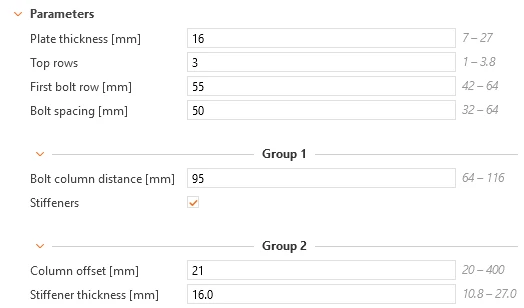
- Parameter groups: authored in the Developer tab (add, rename, reorder, delete), rendered in the Design tab as named separators that can collapse; transparent to evaluation, the REST API and templates without groups.
Please also see the introduction description in Setting up parametric design with Developer Tab knowledge base article.
Available in IDEA StatiCa Steel and IDEA StatiCa Complete editions.